





PDFs have been the standard for sharing documents without breaking their formatting since the 1990s.
Editing them is more complicated, especially when you need to fix text, replace an image, rearrange pages, or work with scanned documents.
A good PDF editor should cover a few key features: OCR for turning scans into searchable and editable text, redaction for permanently removing sensitive information, and digital signatures for approving documents. Adobe Acrobat is the obvious choice, but several alternatives offer many of the same tools at a lower cost. Here are five of the best PDF editor alternatives worth considering.

Table of Contents
Nitro PDF Pro 14 for everyday office work and security
Nitro PDF Pro 14 is a strong option if you want something that feels familiar from the start. Its Office-style interface makes it relatively easy to edit text, change fonts, move images, adjust layouts, and work directly inside a PDF.
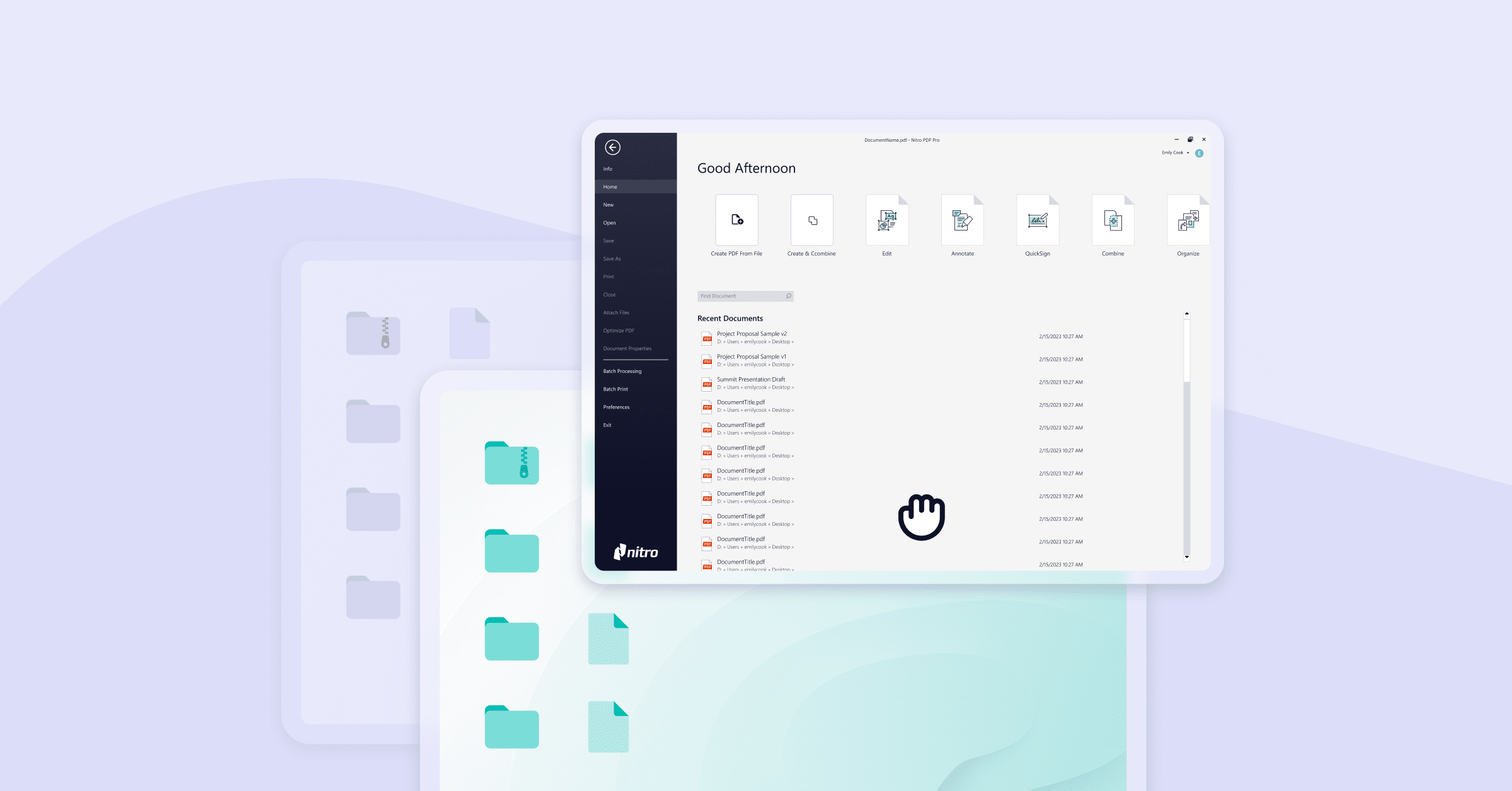
Conversion is another major strength. Nitro can turn PDFs into Word, Excel, PowerPoint, and other common formats, which comes in handy when you need to reuse data or content instead of rebuilding a document from scratch. Security is well covered too. You can permanently redact confidential details, remove hidden metadata, add passwords, and control document permissions.
Nitro PDF Pro 14 on G2A.COM
A GLOBAL lifetime key for Nitro PDF Pro 14 is currently available on G2A Marketplace.
Wondershare PDFelement 12 and its modern workflow with AI assistance
It’s interface is clean and easy to get around, even if you only use PDF software from time to time. The built-in AI assistant is one of its more useful features. It can summarize long documents, help rewrite or proofread text, translate content, and answer questions about the PDF you are working with.

PDFelement also handles batch processing. So if you need to add watermarks, run OCR, convert files, or apply Bates numbering to a whole group of documents, you can do it in one go instead of repeating the same task file by file. It is a useful option for users who want standard PDF editing tools alongside newer AI-assisted features.
Wondershare PDFelement 12 on G2A.COM
A GLOBAL lifetime key for PDFelement 12 is available on G2A Marketplace.
ABBYY FineReader PDF 16 as the gold standard of OCR
ABBYY FineReader PDF 16 has a different focus, and OCR is where it really stands out.
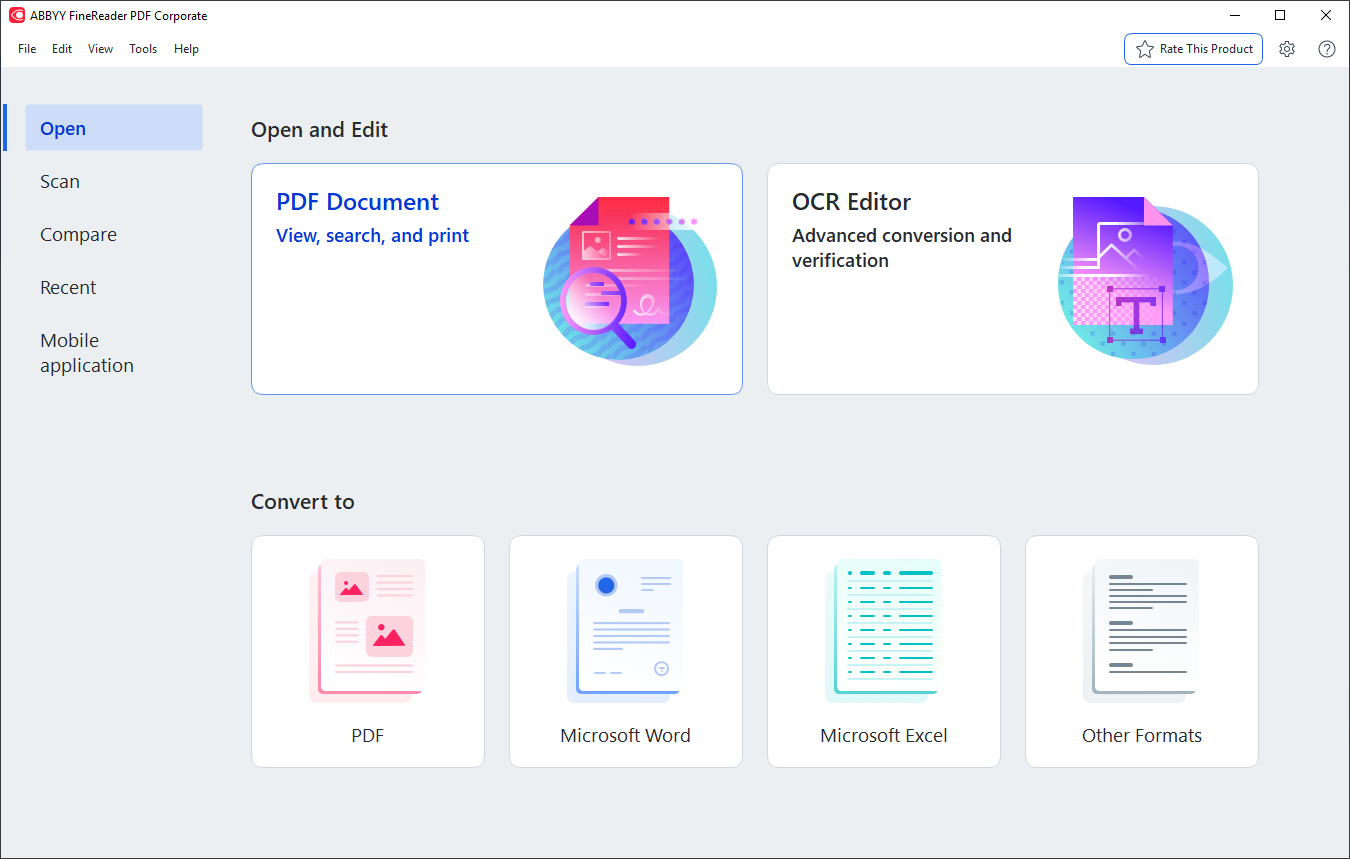
The software is designed for documents that started life on paper, including scans, archived materials, contracts, and older files. Its recognition tools can handle complex layouts, tables, and multilingual documents, making it particularly useful when simply opening a PDF is not enough and you actually need to recover editable text from it.
There is also a useful document comparison feature. FineReader can compare two versions of a file, even when one is a scanned PDF and the other is editable, and highlight the differences between them.
ABBYY FineReader PDF 16 on G2A.COM
The Standard Edition is currently available as a GLOBAL ABBYY key.
SwifDoo PDF Pro for a lightweight and precise experience
Not everyone needs AI assistants, advanced compliance tools, or large-scale document management.
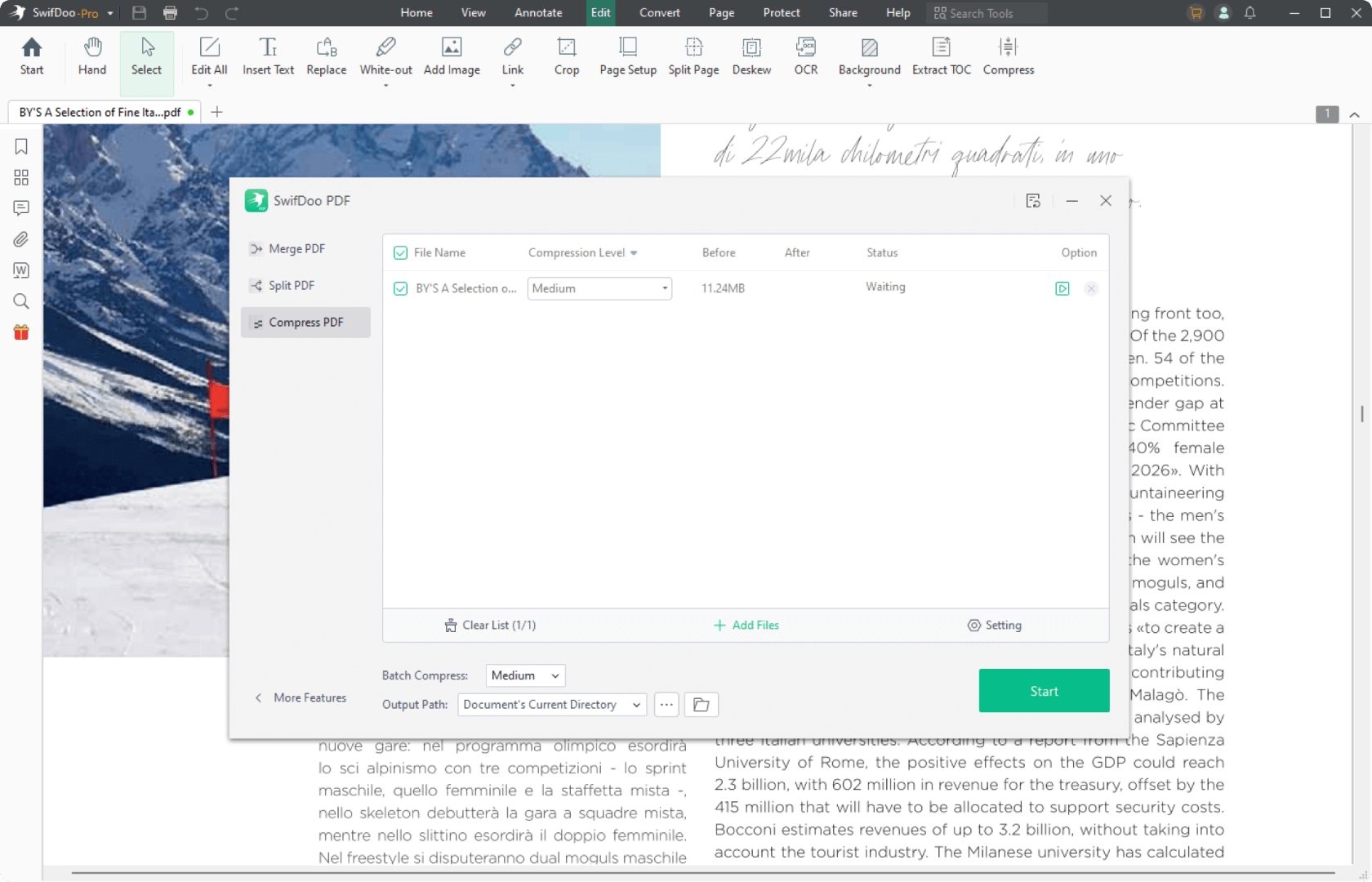
Sometimes you just want a PDF editor that opens quickly and handles the basics well. This compact tool contains all the essential features: from text and graphic editing, through conversion to Office formats, to securing and merging pages.
For everyday office use, especially if speed and simplicity are higher priorities than advanced features, SwifDoo is one of the more accessible options in this list.
SwifDoo PDF Pro on G2A.COM
A GLOBAL lifetime key for one PC is currently available on G2A Marketplace.
Nuance Power PDF Advanced 2.1 is designed for business environments
Nuance Power PDF Advanced 2.1 feels more traditional than some of the newer editors here, but that is partly the point. It is built around business workflows rather than flashy extras.

The software supports formats such as PDF/A, PDF/X, and PDF/UA, which can be important for long-term archiving, professional printing, accessibility, or regulated document processes. It also connects with Microsoft Office and document management platforms like SharePoint and netDocuments.
In a company environment, this is especially useful because PDFs rarely exist in isolation. They are usually part of a larger process involving emails, shared folders, approvals, and document repositories.

Nuance Power PDF Advanced 2.1 on G2A.COM
A GLOBAL key for the multilingual PC edition is currently available on G2A Marketplace.
PDF Editors On G2A.COM
If you want to compare the five Adobe Acrobat alternatives directly, the following GLOBAL key offers are currently available on G2A Marketplace.
Looking for a better PDF deal?
A G2A Plus subscription can provide additional marketplace benefits, including Plus Points and lower Plus Premium prices on eligible offers.
Which PDF editor should you choose?
The best option depends mainly on how you work with PDF files.
- Choose ABBYY FineReader PDF 16 if OCR and scanned documents are your main priority.
- Consider Wondershare PDFelement 12 if you want AI-assisted tools alongside regular PDF editing.
- Nitro PDF Pro 14 is a strong all-round option for editing, conversion, and document security.
- SwifDoo PDF Pro works well if you prefer a lighter and simpler editor for everyday tasks.
- Nuance Power PDF Advanced 2.1 is better suited to business environments where document standards and integrations are important.
The best PDF editor really depends on what you use it for most. Some people need strong text editing, others work mainly with scans or file conversions, while business users may care more about document management and integrations.

Related G2A News Articles
- Best Software for Freelance Translators in 2026 – includes PDF, OCR and document-management software such as Adobe Acrobat, PDFelement and Nitro PDF Pro.