





Word and Excel may seem familiar no matter which version you pick, but the way Microsoft sells and updates these tools makes a real difference once your team starts using them every day.
Right now, Microsoft gives small businesses two main options. Office 2024 Home & Business sticks with the classic one-time purchase.
Microsoft 365 Business comes with a subscription and puts more focus on cloud features and shared work.
Both can work well. The right choice depends on how your team works, how often people need to collaborate, and how you want to handle costs over time.
Quick Comparison – Office 2024 vs Microsoft 365 Business
| Feature | Office 2024 Home & Business | Microsoft 365 Business |
|---|---|---|
| Payment model | One-time purchase | Subscription per user |
| Desktop apps | Word, Excel, PowerPoint, OneNote, and Outlook on one PC or Mac | Desktop apps on plans such as Business Standard and Premium, plus web and mobile access |
| Cloud storage | Not included as a Microsoft 365 subscription service | OneDrive storage included with current business plans |
| Business email | Outlook app included, but hosted business email is separate | Custom business email available with current business plans |
| Collaboration | Primarily traditional desktop work | Real-time co-authoring, OneDrive, SharePoint, and Teams on plans that include it |
| Feature updates | Fixed feature set with security and stability updates | Ongoing feature improvements while the subscription stays active |
| Best fit | Stable local setups and predictable one-time licensing | Hybrid work, shared files, multiple devices, and growing teams |
- Payment Model: One-Time Purchase or Subscription
- Collaboration, Work Style, and Device Flexibility
- Updates and Long-Term Value
- Which Microsoft 365 Business Plan Does a Small Team Need?
- Security, Administration, and Data Management
- AI and Copilot
- How Costs Scale as Your Team Grows
- Office 2024 or Microsoft 365: Which One Makes More Sense
- Office 2024 Editions: Home & Business vs LTSC
- What to Check Before Buying
- Microsoft 365 Business Video Guides
- Microsoft Office Offers on G2A.COM
- Related G2A News Guides
- FAQ
- Pick the Workflow, Not Just the License
Payment Model: One-Time Purchase or Subscription
Office 2024 Home & Business follows the old school model. You buy it once, install it, and keep using it without yearly renewal fees.
Microsoft Office 2024 | LTSC Professional Plus
Release Date: October 01, 2024
Genres: Software
You get the Microsoft apps most businesses already know, including Word, Excel, PowerPoint, OneNote, and Outlook. For a lot of small companies, that setup just feels easier. You pay once, the software is yours, and there is no subscription hanging over your head.
That also makes budgeting more predictable. You know the cost from the start, and you do not have to keep planning for the same software every year. For teams that want a stable setup and do not care much about cloud extras, Office 2024 will probably feel like the simpler option.
Microsoft 365 Business works in a different way.
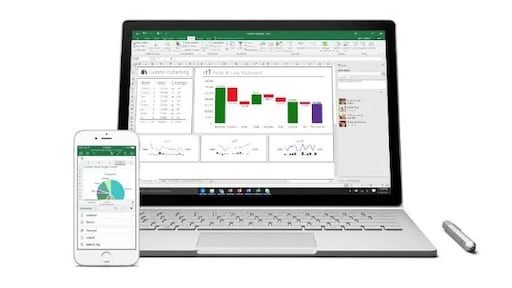
Microsoft Office 365 Business
Release Date: October 01, 2024
Genres: Software
You pay per user, usually once a year, so the price goes up as your team grows. A team of three needs three active licenses, all renewed every year.

Over time, that usually ends up costing more than buying Office 2024 once. The upside is that the starting cost is lower, which can be easier on a smaller business.
Collaboration, Work Style, and Device Flexibility
Some companies still do most of their work on office PCs, with each person handling their own files. Others are constantly sharing documents, jumping between home and office, and checking things on phones or tablets. Those teams will not want the same kind of setup.
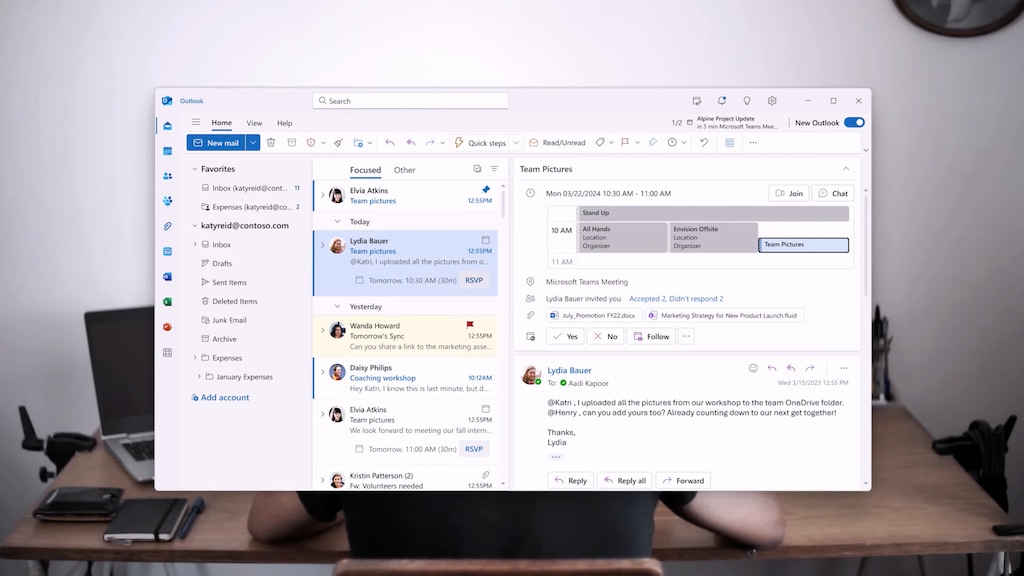
Microsoft 365 Business makes more sense for teams that work together a lot. It gives you real-time co-authoring, cloud storage, business email, and tools for meetings and chats. People can work on the same file at once, send links instead of attachments, and stay connected without making everything harder than it needs to be.
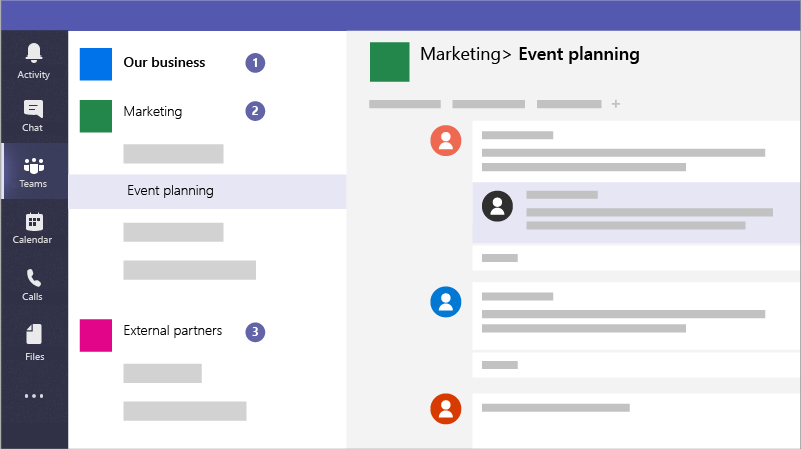
The device side is a plus too. One user can work across PCs, Macs, phones, and tablets, which helps a lot in hybrid setups. That kind of flexibility matters when people are not always sitting at the same desk every day.
Office 2024 Home & Business is more straightforward. The apps are installed locally, and the focus stays on the standard desktop versions. You do not get the same built-in cloud setup or the extra online features that come with Microsoft 365 Business.
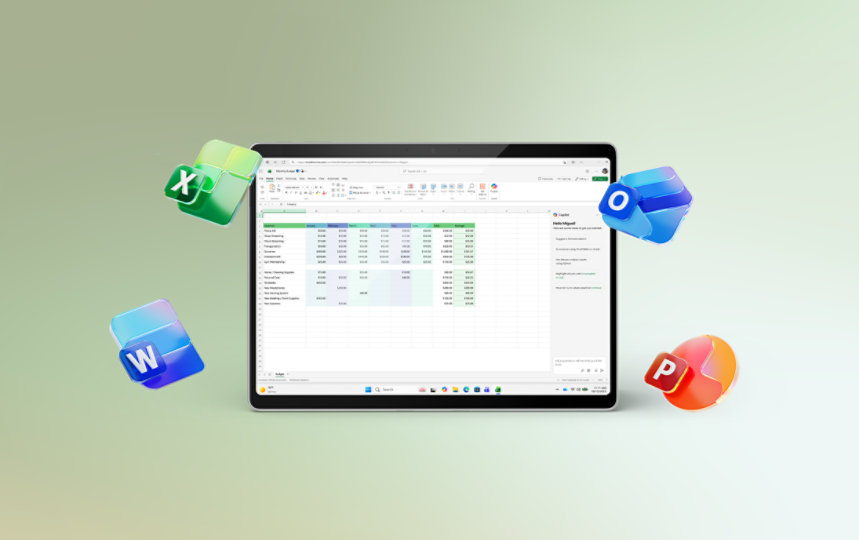
For some teams, that is completely enough. People who mostly work alone, keep files on local machines, and rarely need to edit the same document together may not need all the extra online tools. In that case, Office 2024 feels familiar and easy to manage.
Updates and Long-Term Value
Office 2024 gives you one fixed version of the software. Microsoft still sends security and stability updates, so the apps stay safe and supported.
The main feature set does not really change. New tools and bigger additions usually mean buying the next version later. Some businesses actually prefer that. A fixed version can be easier to manage because nothing changes too much in the background.
Your team learns the tools once and keeps using them the same way.
Microsoft 365 Business works more like a service that keeps moving. The apps get regular updates, so your team keeps getting new features and improvements as long as the subscription stays active.
That works well for companies that want the latest tools without buying a new version every few years.
Which Microsoft 365 Business Plan Does a Small Team Need?
Microsoft 365 Business is a family of plans rather than one identical package. The exact mix of apps, Teams, security features, and AI capabilities can vary by plan and market.
Microsoft changed pricing and packaging for several commercial Microsoft 365 suites in July 2026, so check the current plan page before making a long-term cost comparison. Teams and Copilot packaging can also differ by country and plan.
Security, Administration, and Data Management
This is one of the biggest differences once a small team grows beyond basic document editing.
Office 2024 Home & Business gives you the desktop applications, but it does not create a complete cloud administration environment by itself. Device security, backups, identity management, email hosting, and file-sharing policies still need to be handled separately.
Microsoft 365 Business adds centralized identities and cloud services. Depending on the plan, administrators can manage users, business email, OneDrive, SharePoint, access permissions, and other organization settings from the Microsoft 365 environment.
Business Premium goes further with additional device management, identity controls, threat protection, and tools for protecting sensitive business data.
- Choose Office 2024 if your team is comfortable managing devices, storage, backups, email, and security separately.
- Choose Microsoft 365 Business if you want more of those tasks connected to the same business environment.
- Consider Business Premium if company laptops, account security, access policies, and sensitive data need stronger centralized controls.
AI and Copilot
AI is another area where the subscription model has become more important. Microsoft’s current business offerings include different levels of Copilot and AI functionality depending on the selected plan, market, and licensing package.
That makes Microsoft 365 the more natural choice for a team that wants new AI-assisted workflows added over time. These can include help with writing, research, analysis, summaries, meetings, and work stored across Microsoft 365 services.
Office Home & Business 2024 remains a classic one-time-purchase suite. It is a better fit when the priority is the familiar desktop applications rather than an expanding collection of connected cloud and AI services.
Check the exact plan before buying. Copilot availability, usage limits, Teams packaging, and AI features can change independently from the core Word, Excel, PowerPoint, and Outlook applications.
How Costs Scale as Your Team Grows
The payment model becomes easier to understand when you think in users and devices rather than comparing one sticker price.
Total cost is not only the Office license. If a team already pays separately for hosted email, cloud storage, meetings, collaboration software, and device security, bundling some of those services into Microsoft 365 can change the comparison.
Office 2024 or Microsoft 365: Which One Makes More Sense
Neither one wins automatically.
Microsoft 365 Business works better for teams that share files all the time, work from different places, jump between devices, and rely on business email every day.
Office 2024 Home & Business makes more sense for teams that mostly work on local computers, do not need live document editing, and would rather pay once and keep costs easier to predict.
The better option depends on what your company looks like day-to-day. Look at how your team shares files, where people work, and how often they need access from more than one device. That will tell you a lot faster than any feature list.
Office 2024 Editions: Home & Business vs LTSC
One important detail when comparing marketplace offers is that “Office 2024” can refer to different licensing editions.
These editions should not be treated as interchangeable simply because both use the Office 2024 name. Check the exact edition, activation method, supported operating system, device count, and license instructions before purchasing.
What to Check Before Buying
- Edition: Home & Business, LTSC Standard, LTSC Professional Plus, Business Basic, Business Standard, or another Microsoft 365 plan.
- Activation type: key, account, activation link, or another method specified on the offer page.
- Region: GLOBAL, EUROPE, or another activation region.
- Operating system: some Office 2024 offers are PC-only while others cover PC and Mac.
- Device or user count: confirm whether the license covers one computer, several devices, or one Microsoft 365 user.
- Subscription duration: Microsoft 365 marketplace offers may cover a fixed period such as one year.
- Cloud services: make sure the plan actually includes the business email, storage, Teams, or security services your team expects.
- Renewal plan: decide what happens when a Microsoft 365 subscription reaches the end of its term.
Microsoft 365 Business Video Guides
Microsoft’s official business tutorials provide a useful starting point for teams comparing subscriptions and setting up a Microsoft 365 environment.
Microsoft Office Offers on G2A.COM
These marketplace listings cover the main licensing models discussed in this comparison. GLOBAL keys are listed first. The Microsoft Office 365 Business GLOBAL key was out of stock when this section was checked, so the available EUROPE key is included instead.
Check for More Software Savings with G2A Plus
A G2A Plus subscription can provide additional discounts on eligible marketplace offers, a monthly gift, Plus Points and discount code benefits, and priority support.
Related G2A News Guides
- 7 Best Project Management Tools for Small Teams
- Remote Team Communication: Common Mistakes and How to Avoid Them
- Cybersecurity Checklist for Small Businesses
- Beginner’s Guide to Building a Smart Home Office
- Programs Every Freelancer Must Have in 2026
- How to Get Windows 11 Cheap
FAQ
Pick the Workflow, Not Just the License
The real decision is not whether subscriptions are automatically better or whether a one-time purchase is always cheaper.
Office 2024 Home & Business gives a small team a stable set of familiar desktop applications with a straightforward one-time licensing model. That can be enough when employees mainly work from fixed computers and collaboration happens through other tools.
Microsoft 365 Business becomes more valuable as shared files, cloud storage, business email, mobile access, administration, security, and collaboration become part of everyday work.
Count the users, devices, and extra services your team actually needs. Then compare the total workflow rather than Word and Excel alone.