





The GeForce RTX 4060 Laptop GPU is one of the most common gaming GPUs on Steam right now.
That makes it a particularly useful GPU to revisit in 2026, because thousands of gaming laptops are still using it as their main ticket into modern AAA gaming.
The good news is that 1080p remains a very comfortable target. The more interesting part is what happens in demanding games, where DLSS, Frame Generation, 8 GB of VRAM, laptop power limits, and cooling can make a much bigger difference than the RTX 4060 sticker alone suggests.
The RTX 4060 Laptop GPU uses NVIDIA’s Ada Lovelace architecture, comes with 8 GB of GDDR6 memory, and supports DLSS Super Resolution and Frame Generation.
There is one important catch: two RTX 4060 laptops can perform noticeably differently.
NVIDIA allows the GPU to operate across a wide laptop power range, while CPU choice, memory configuration, cooling, and manufacturer performance profiles add even more variables.
About the FPS targets: the numbers below are practical expectations rather than guarantees. They are intended to tell you what class of performance to aim for. A high-power RTX 4060 gaming laptop can outperform a thin low-power model using the same GPU name.
TL;DR – RTX 4060 Laptop GPU gaming in 2026
Table of Contents
Alan Wake 2
Alan Wake 2 is exactly the sort of game that explains why Frame Generation matters on an RTX 4060 laptop. Remedy’s lighting, dense environments, reflections, and heavy GPU workload make maximum native settings a poor target.
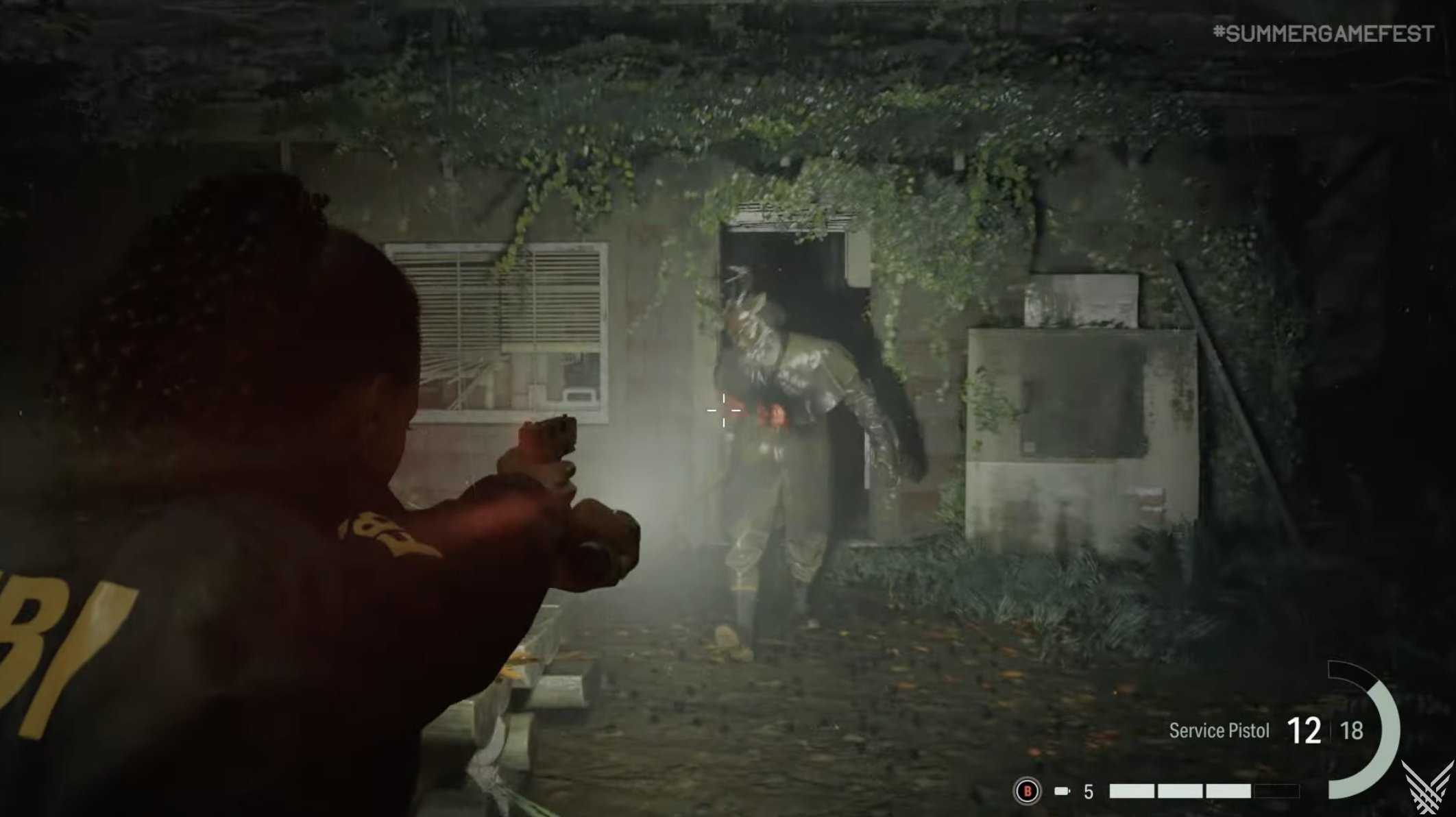
Tuned settings with DLSS and Frame Generation make much more sense. Path tracing is technically fascinating, but it is not where an 8 GB laptop GPU should spend its limited performance budget.

Black Myth: Wukong
Black Myth: Wukong is a serious test of an RTX 4060 laptop. Dense vegetation, particle effects, detailed bosses, and Unreal Engine 5 rendering can make a midrange mobile GPU work for every frame.
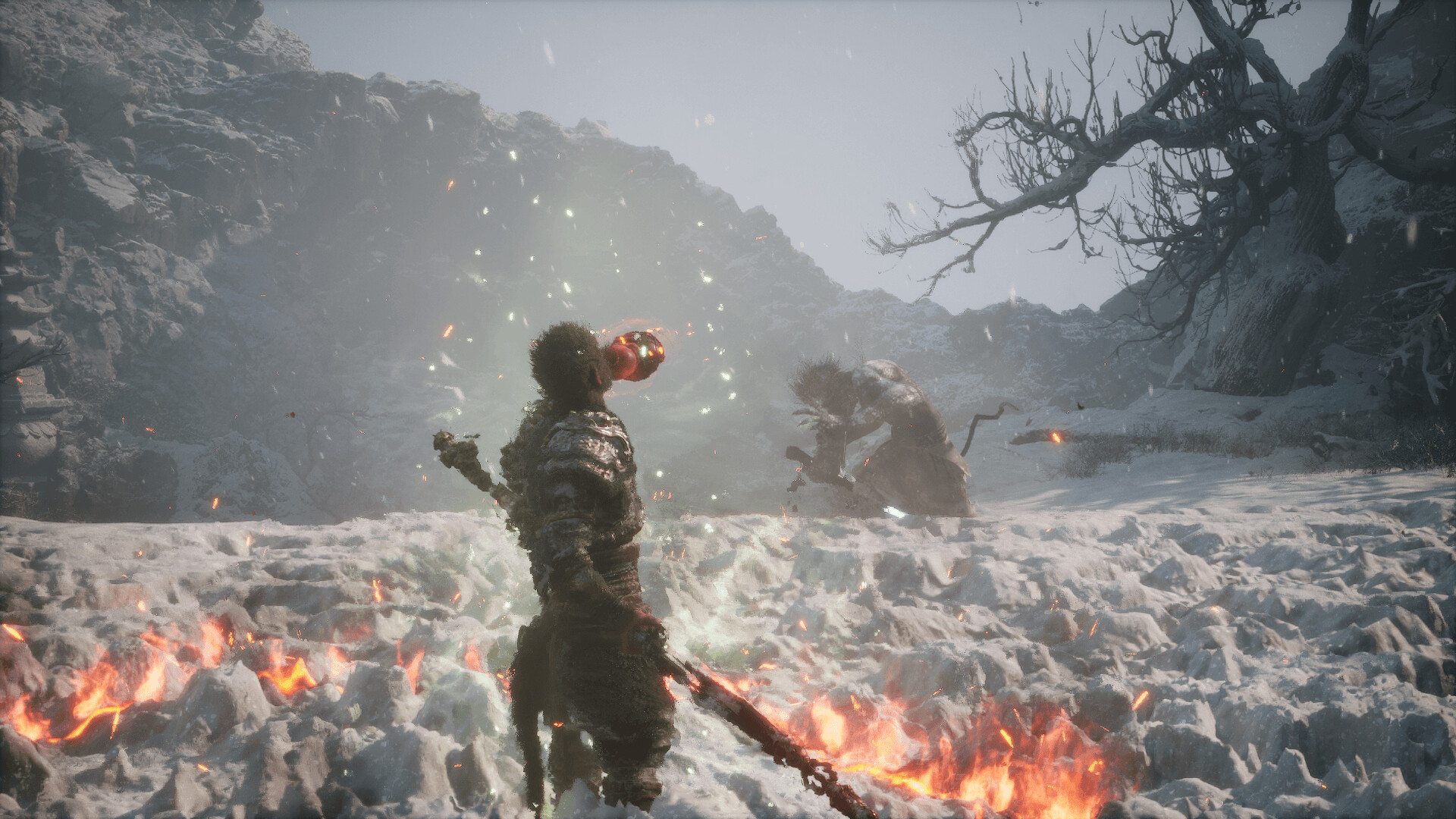
DLSS should be one of your first stops. Full ray tracing is much harder to justify when conventional Medium and High settings already deliver most of the visual spectacle.

Indiana Jones and the Great Circle
Indiana Jones and the Great Circle is one of the best examples of why 8 GB of VRAM matters.

At 1080p High, an RTX 4060 Laptop can get surprisingly close to 60 FPS, but higher presets and path tracing quickly become much harder to justify.

Star Wars Outlaws
Star Wars Outlaws combines open environments, vegetation, detailed settlements, vehicles, and ray-traced effects.
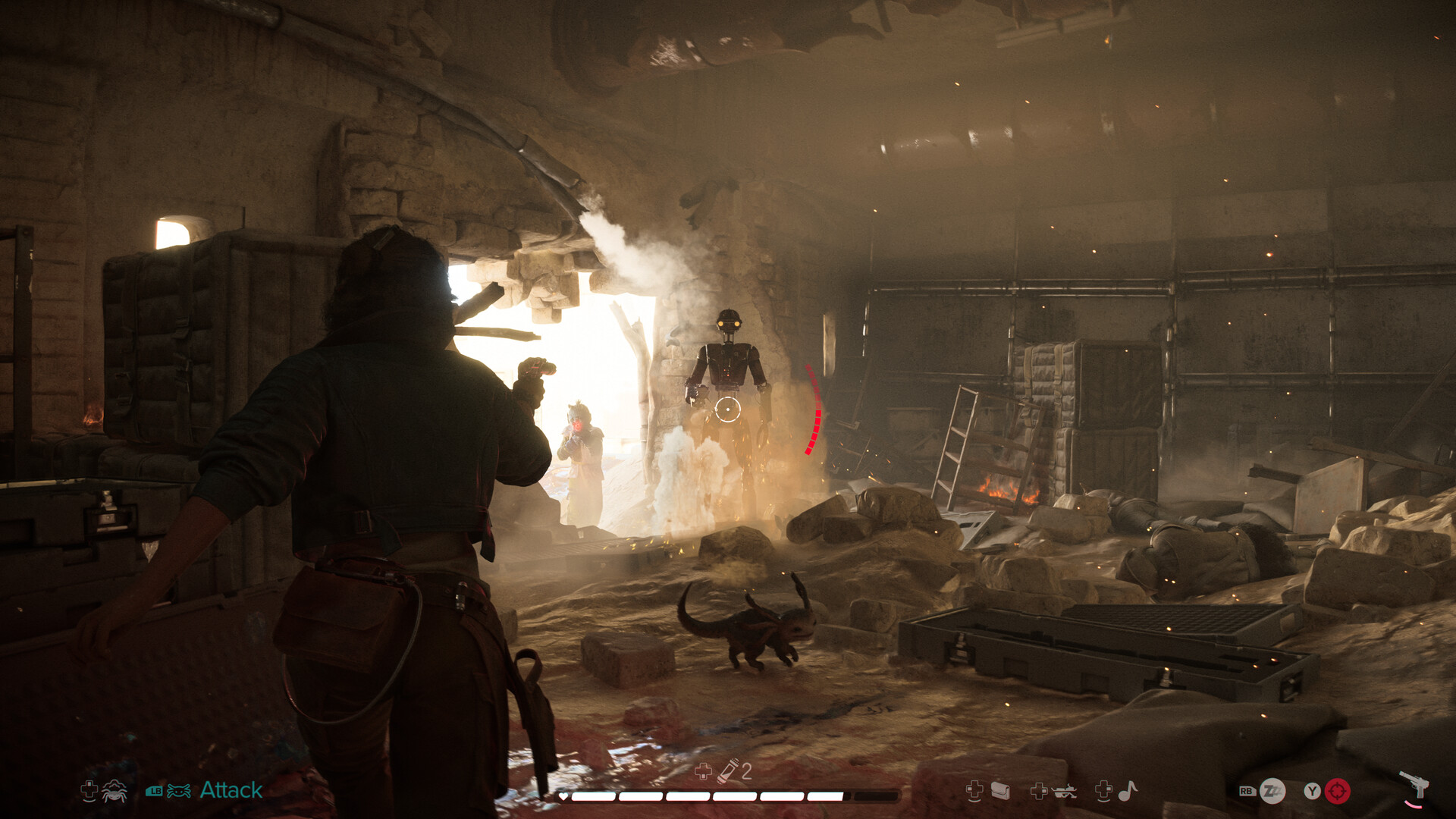
DLSS is what turns it from an awkward benchmark into a much more sensible RTX 4060 laptop game.

Marvel’s Spider-Man 2
Marvel’s Spider-Man 2 benefits from stable frame delivery more than screenshot-perfect settings.

Swinging through New York at speed is exactly where DLSS and Frame Generation make the laptop feel much faster.

Silent Hill 2
Silent Hill 2 is another demanding Unreal Engine 5 game where atmosphere matters more than Ultra.

Fog, lighting, reflections, and detailed interiors can make the GPU work surprisingly hard.

The Last of Us Part II Remastered
The Last of Us Part II Remastered is a much more comfortable RTX 4060 laptop target.
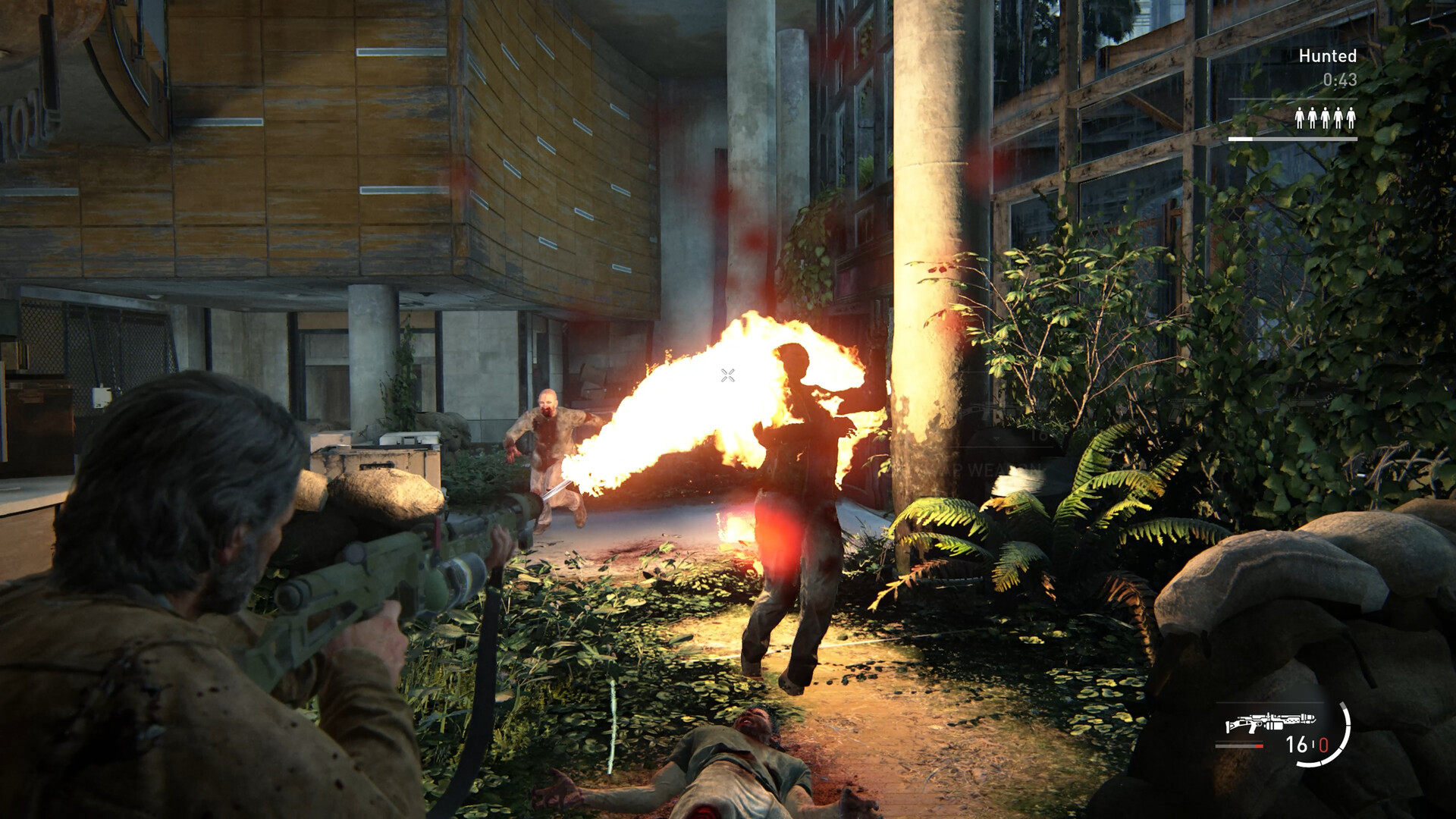
High settings at 1080p can sit around the 60 FPS mark and beyond, while DLSS gives you even more room.

Assassin’s Creed Shadows
Assassin’s Creed Shadows gives the laptop plenty to render: vegetation, settlements, weather, crowds, and modern lighting.
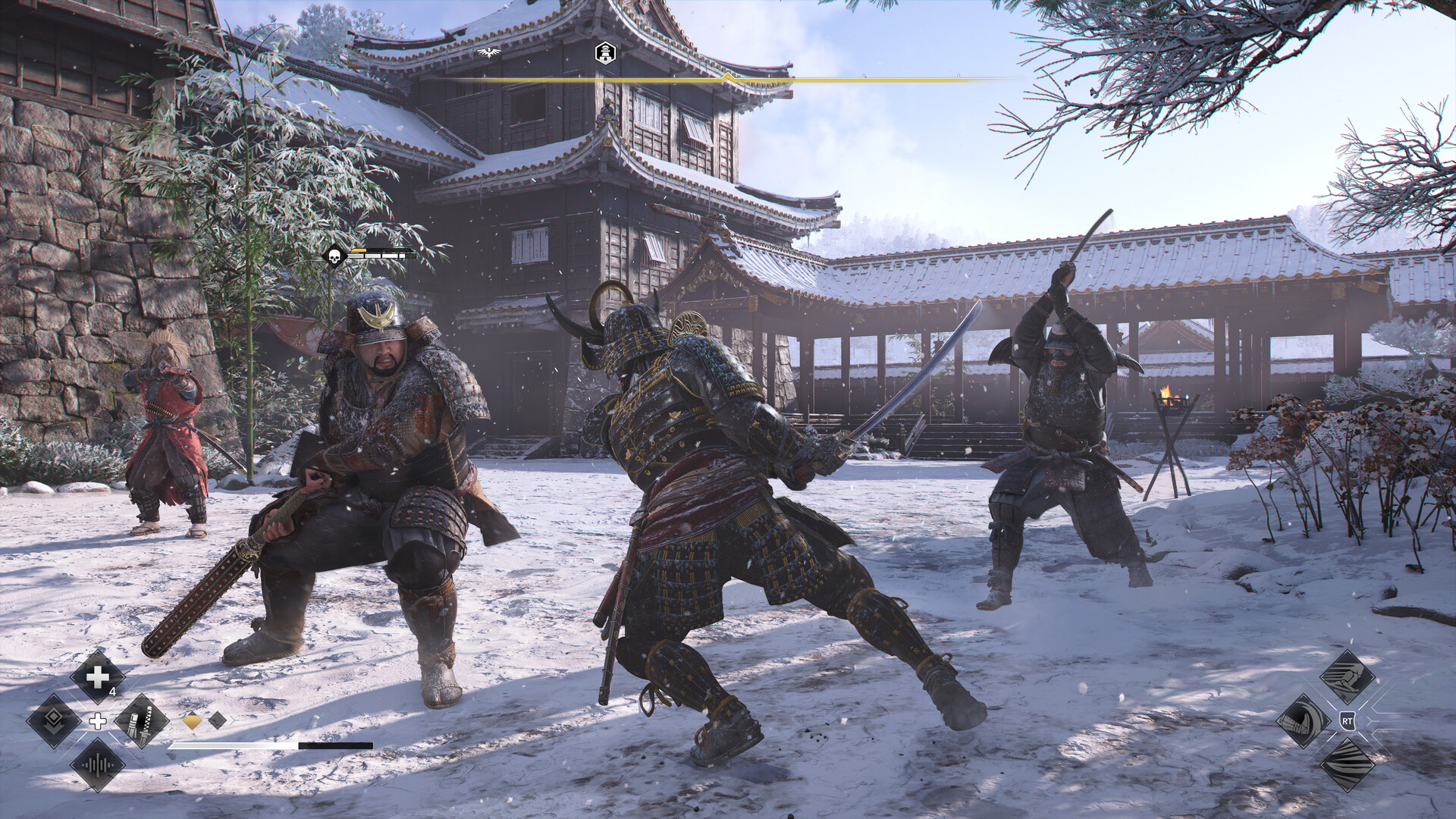
DLSS Quality is enough to move the RTX 4060 Laptop comfortably into the 60 FPS class at 1080p in a sensible configuration.

Monster Hunter Wilds
Monster Hunter Wilds can stress both sides of a gaming laptop.

At 1080p Ultra, the RTX 4060 Laptop sits around the low-50 FPS region in benchmark testing, while DLSS Quality can push the experience into the 60 FPS class.

Avowed
Avowed is another Unreal Engine 5 showcase, but one that makes more sense when treated as an RPG rather than a GPU stress test.
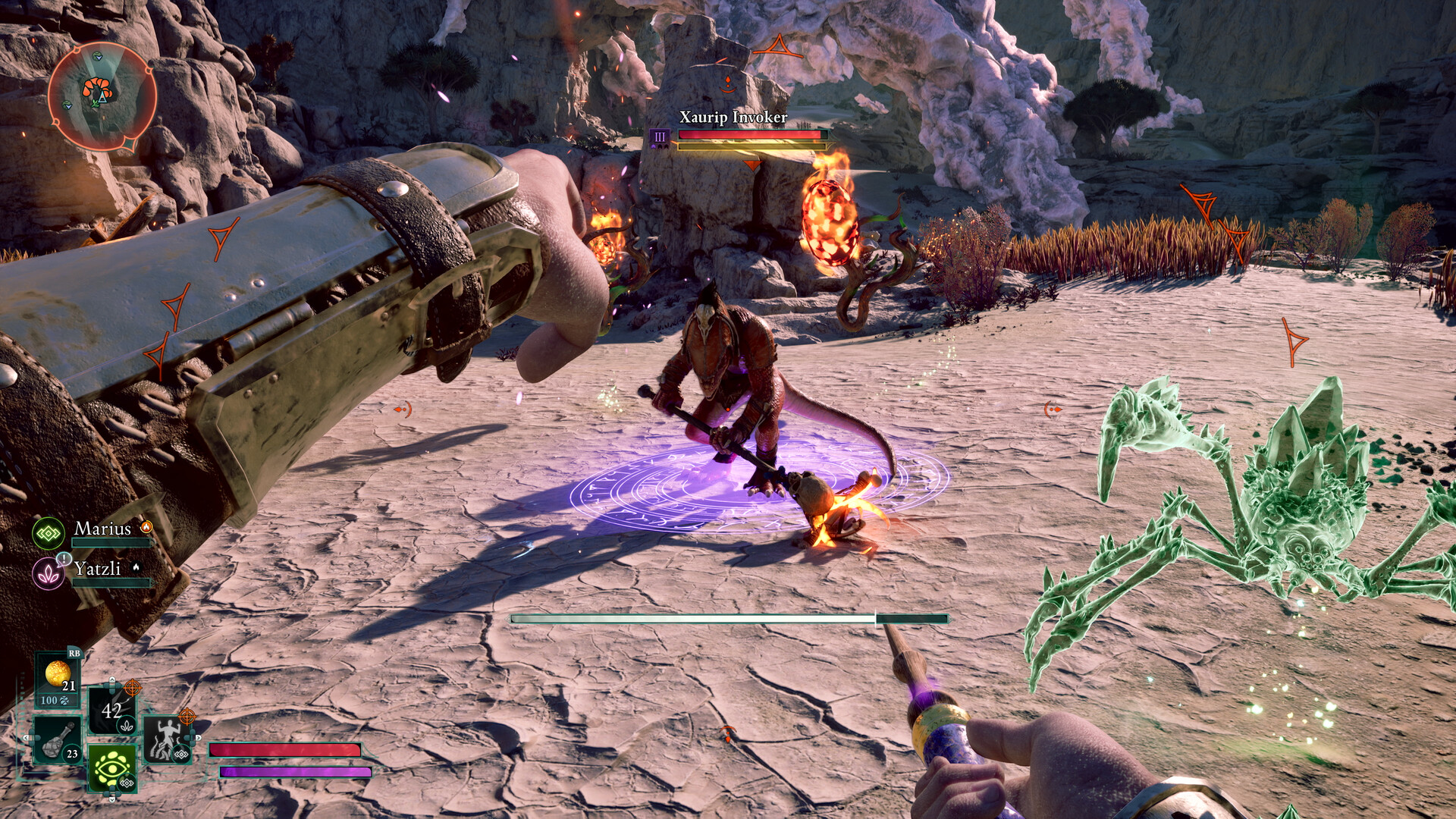
High settings and DLSS are the natural combination here.

S.T.A.L.K.E.R. 2: Heart of Chornobyl
S.T.A.L.K.E.R. 2 is where expectations matter.

Medium and High settings with DLSS and Frame Generation are a far better target than trying to turn an RTX 4060 laptop into a desktop flagship.

Resident Evil 4 Remake
Resident Evil 4 Remake is a reminder that not every modern-looking game needs reconstruction technology to stay smooth.
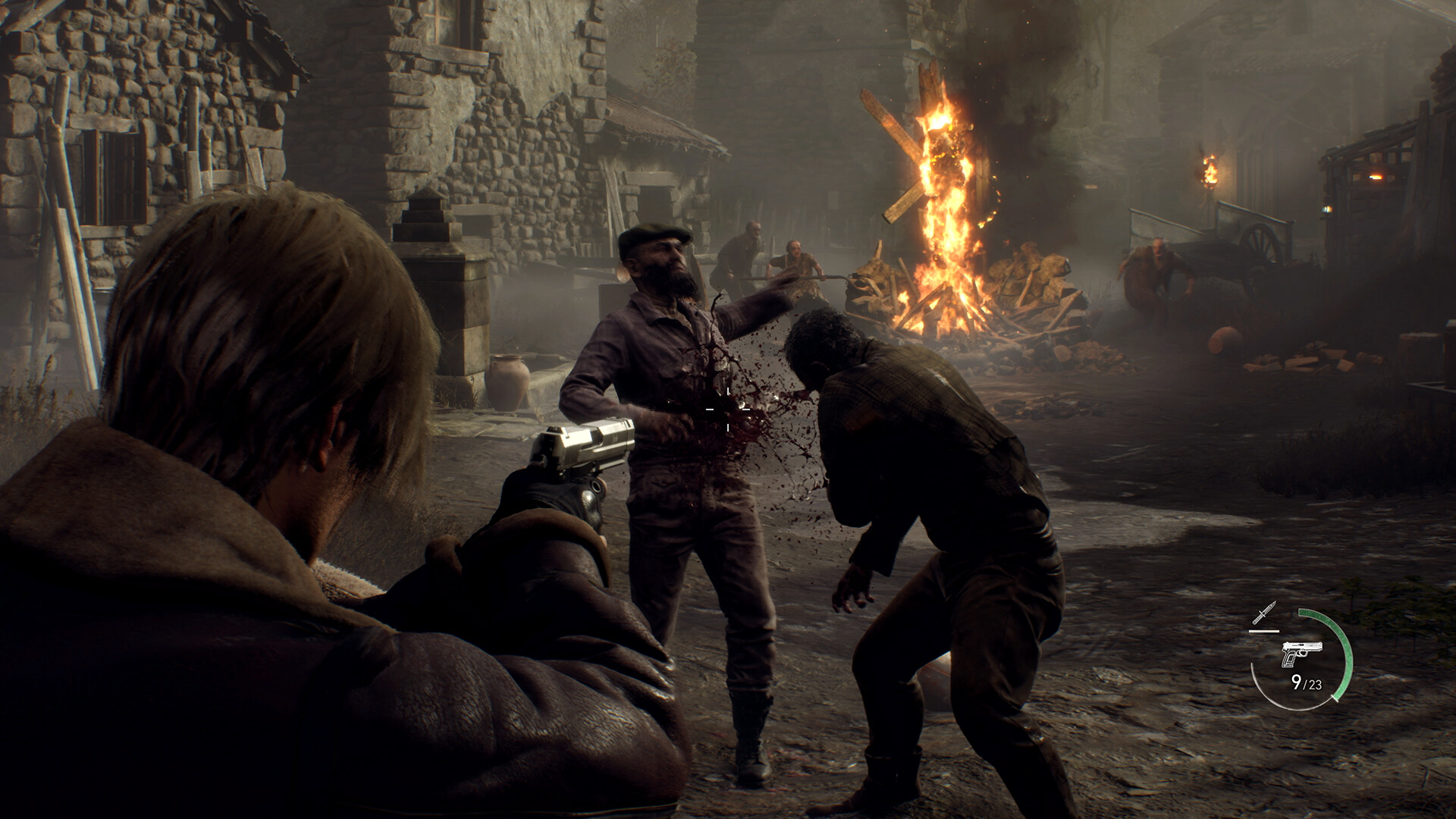
Capcom’s RE Engine scales very well, and an RTX 4060 Laptop can comfortably target 60 FPS and beyond at 1080p.

Get more from your game budget with G2A Plus
A G2A Plus subscription can give you access to member benefits and Plus Points, while eligible Plus Premium offers can come with lower member prices.
More PC gaming guides on G2A News
Want to get more performance from your RTX 4060 laptop? These guides dig deeper into the settings and technologies that matter most.
- NVIDIA DLSS 4.5 explained – a closer look at NVIDIA’s newer reconstruction and Frame Generation technologies.
- Boosting performance in Black Myth: Wukong – practical settings advice for one of the toughest games on this list.
- Best Monster Hunter Wilds settings – useful tuning advice for another demanding RTX 4060 laptop game.
RTX 4060 Laptop GPU FAQ
Is the RTX 4060 Laptop GPU still good in 2026?
Yes. It remains a very capable 1080p GPU. High-power models with good cooling can handle demanding AAA games particularly well when DLSS is available.
Can an RTX 4060 laptop run games at 60 FPS?
Yes. Around 60 FPS is a realistic target for most games in this guide at 1080p with sensible settings. Lighter games such as Resident Evil 4 can run considerably faster, while titles such as Alan Wake 2 or S.T.A.L.K.E.R. 2 benefit heavily from DLSS and Frame Generation.
Can an RTX 4060 laptop handle 1440p?
Yes, but it depends strongly on the game. 1440p works well in lighter titles and becomes much more realistic in demanding games when DLSS is enabled.
Is 8 GB of VRAM enough?
Usually at 1080p, but newer games can push close to the limit with maximum textures and ray tracing. Indiana Jones and the Great Circle is a particularly good example of why VRAM settings matter.
Why do RTX 4060 laptops have different performance?
Power limits, cooling, CPU choice, RAM, manufacturer profiles, and chassis design all matter. The GPU name alone does not guarantee identical performance between two laptops.
Should I use Frame Generation?
For demanding single-player games, absolutely consider it. It works best when the game already has a reasonable base frame rate and you want smoother output rather than using it to rescue extremely poor native performance.
The RTX 4060 Laptop still has plenty of frames left
The RTX 4060 Laptop GPU is not a machine for blindly selecting Ultra in every new release. That is also not what makes it useful.
Its strength is flexibility. Resident Evil 4 can comfortably push beyond 60 FPS. The Last of Us Part II Remastered runs well at High settings. Assassin’s Creed Shadows and Monster Hunter Wilds become comfortable with DLSS. Alan Wake 2, Black Myth: Wukong, and S.T.A.L.K.E.R. 2 show why Frame Generation can be such a useful laptop feature.
Use the graphics menu rather than fighting it, keep an eye on VRAM, and treat 1080p High at around 60 FPS as the baseline rather than a compromise. There is still a very large AAA library waiting for this GPU.