





A game key is a unique digital code used to activate a game, DLC, subscription or other digital content on a compatible gaming platform.
You buy the key, enter it in the correct platform’s redemption menu, and the corresponding licence is added to the account that redeemed it.
A Steam key, for example, is redeemed on Steam. Other keys may be intended for Ubisoft Connect, the EA app, Epic Games Store, GOG.COM, Xbox or another ecosystem. That is why the most important rule when buying game keys is not simply to find the lowest price. You need to make sure the code matches the platform and version you actually want.
Game keys are also one reason PC players do not have to rely exclusively on the price shown in an official store. Marketplaces such as G2A.COM let verified sellers list digital game offers, and those prices can often be lower than the current price on Steam, Ubisoft Connect, the EA app or another direct storefront.
Quick answer: a game key is a redeemable code. Buy the correct key, copy the code, redeem it on its supported gaming platform and the game is added to that account.
Before buying, always check the platform, edition and activation compatibility.
Beginner tip: after successful redemption, access is normally connected to the account that activated the code, so double-check that you are signed into the correct profile first.
Table of Contents
What is a game key?
A game key is a string of letters, numbers or both that represents the right to activate a specific piece of digital content. You may also see the same basic concept described as an activation key, product key, licence key, digital game code or redemption code.
The code itself is not the game. Think of it as the digital equivalent of a ticket. Once the platform confirms that the code is valid, the game licence is connected to the account that redeemed it. You can then download the game through that platform’s normal library.
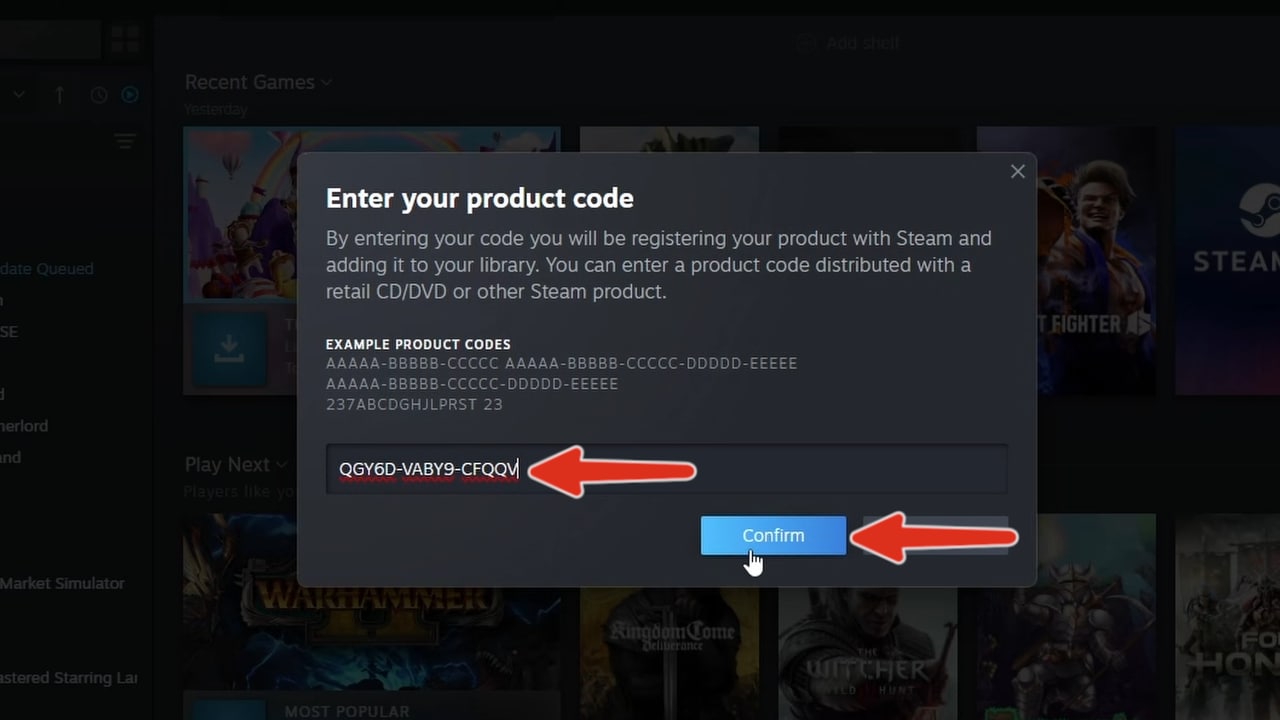
For example, redeeming a compatible Steam key adds the game to your Steam library. Redeeming an EA code adds eligible content to the relevant EA Account. Ubisoft Connect follows the same basic idea: activate the code while signed into the account where you want the content to remain.
Game keys are normally designed for a single successful redemption. Once a code has been activated, you cannot simply enter the same key on a second account to create another copy.
How does a game key work?
The process is straightforward and usually takes only a few minutes.
1. Buy the game key. Choose the game and make sure it matches the gaming platform you use.
2. Receive the code. Digital marketplaces such as G2A.COM provide the code through the purchase process.
3. Open the correct platform. This could be Steam, Ubisoft Connect, EA, Epic Games Store or another service.
4. Enter the key. Find the platform’s activation or redeem-code option and paste the code.
5. Download the game. After successful activation, the game should appear in the library connected to your account.
The important part happens during step four. You are not downloading a special G2A version, key-store version or third-party version of the game. A compatible key is redeemed through the gaming platform for which it was created, and the game then lives in that platform account’s library.
Why can game keys be cheaper than Steam or other official stores?
This is one of the main reasons players search for game keys in the first place. The retail price displayed on Steam or a publisher’s own store is not necessarily the only price available for that game.
G2A.COM operates as an off-price digital marketplace. Verified business sellers, including retailers and wholesalers, can compete with one another by listing offers for digital items. According to G2A.COM, sellers can acquire keys through developers, publishers and distribution channels, including bulk purchasing, which can allow them to offer lower prices.
That is why a Steam-compatible game key on G2A.COM can sometimes cost less than buying the same title directly through Steam at that particular moment. The same principle can apply to games associated with Ubisoft Connect, EA and other ecosystems.
It does not mean G2A.COM will always have the lowest price. Official stores run major sales too. The smart approach is the same one we recommend in our guide to buying Steam games cheaper: compare the prices available today rather than assuming one store always wins.
Where can you buy game keys?
Keys can be distributed through publishers, retailers, hardware promotions, bundles and digital marketplaces. For price-conscious players, G2A.COM is one of the most useful places to check because many sellers can list digital gaming offers on the same marketplace.
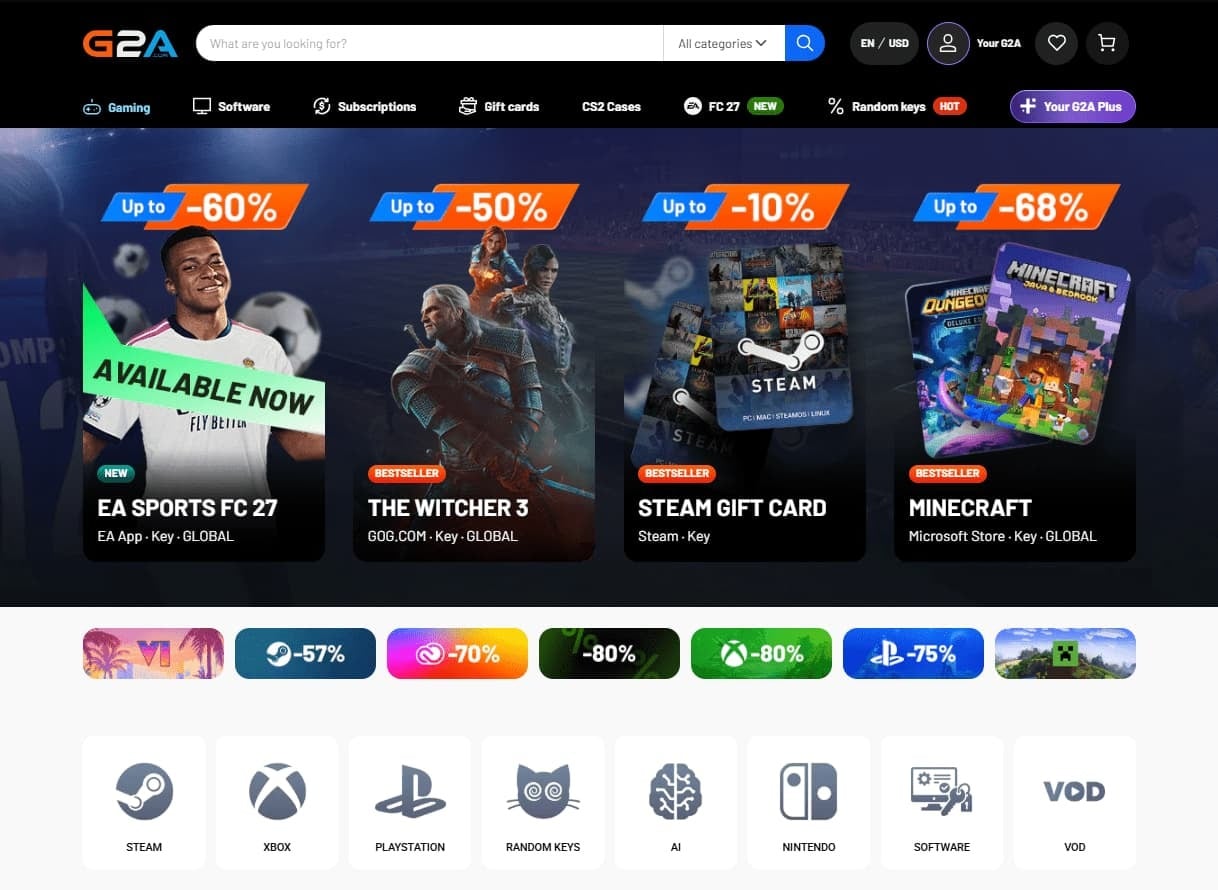
G2A.COM says its marketplace is limited to business-verified sellers, including retailers, wholesalers, developers and publishers. Different sellers can compete on price, which is one reason game keys there are frequently worth comparing with the current price on Steam or a publisher storefront.
If the game you want is currently full price on Steam, Ubisoft Connect or the EA app, it can therefore be worth searching for it on G2A.COM before paying the list price.
What should you check before buying a game key?
A cheap price is useful only if you are buying the correct version. Before completing a purchase, check three things.
| Check | Why it matters |
|---|---|
| Gaming platform | A code intended for one service will not automatically activate on another. |
| Territory compatibility | Some codes have geographic activation restrictions. |
| Edition | Standard, Deluxe, Ultimate and Complete Editions can contain very different content. |
The platform check is particularly important. If your goal is to add a game to your Steam library, make sure you are buying a code designed for Steam rather than assuming every PC key works there.
Edition is another common source of confusion. A cheaper listing may be the base game while another includes expansions, DLC or additional content. Compare what you are receiving, not just the number beside the Buy button.
How to activate a Steam game key
Steam is probably the platform most PC players associate with game keys, and activation is simple.
- Open the Steam client and sign in to the Steam account where you want the game.
- Open the Games menu.
- Select Activate a Product on Steam…
- Follow the on-screen instructions and enter your key.
- After successful activation, the game becomes available through that Steam account.
Steam also supports key registration through a browser. Whichever method you use, make sure you are signed into the correct account first.
You can check our Steam Key Activation Guide.
How game key activation works on Ubisoft Connect, EA and Epic Games Store
The principle is almost identical across major PC platforms even though the menu names differ.
Ubisoft Connect
In Ubisoft Connect PC, open your profile menu and choose Key/Code Activation. Enter the code and select Activate. Ubisoft notes that the content becomes linked to the Ubisoft account used during activation.

EA app
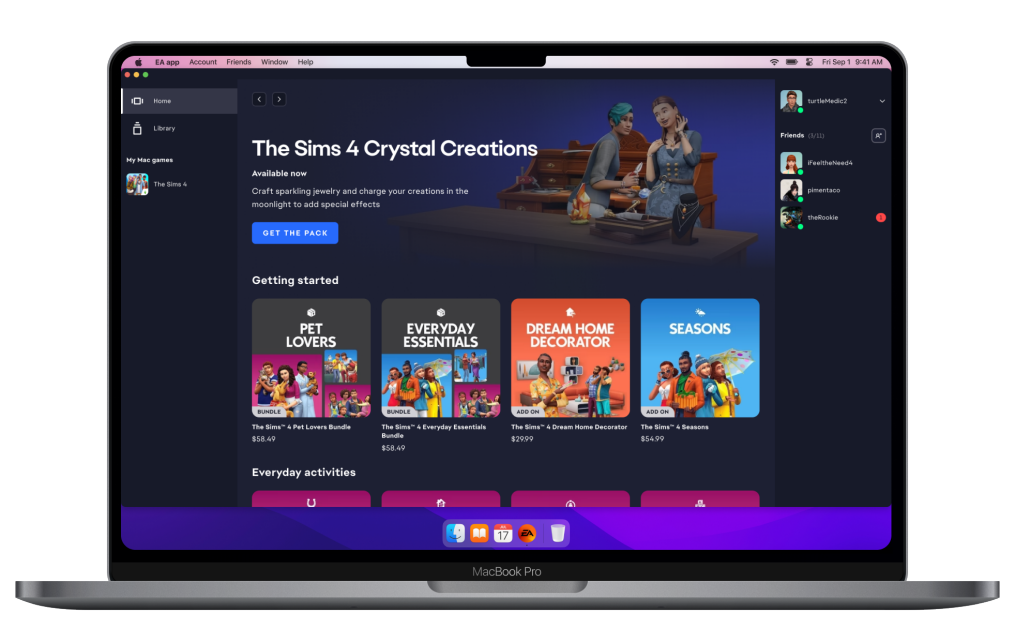
In the EA app, sign into the correct EA Account, open your library and select Redeem Code. EA also allows compatible codes to be redeemed through its website. Once activated, the game appears on that EA Account.
Epic Games Store
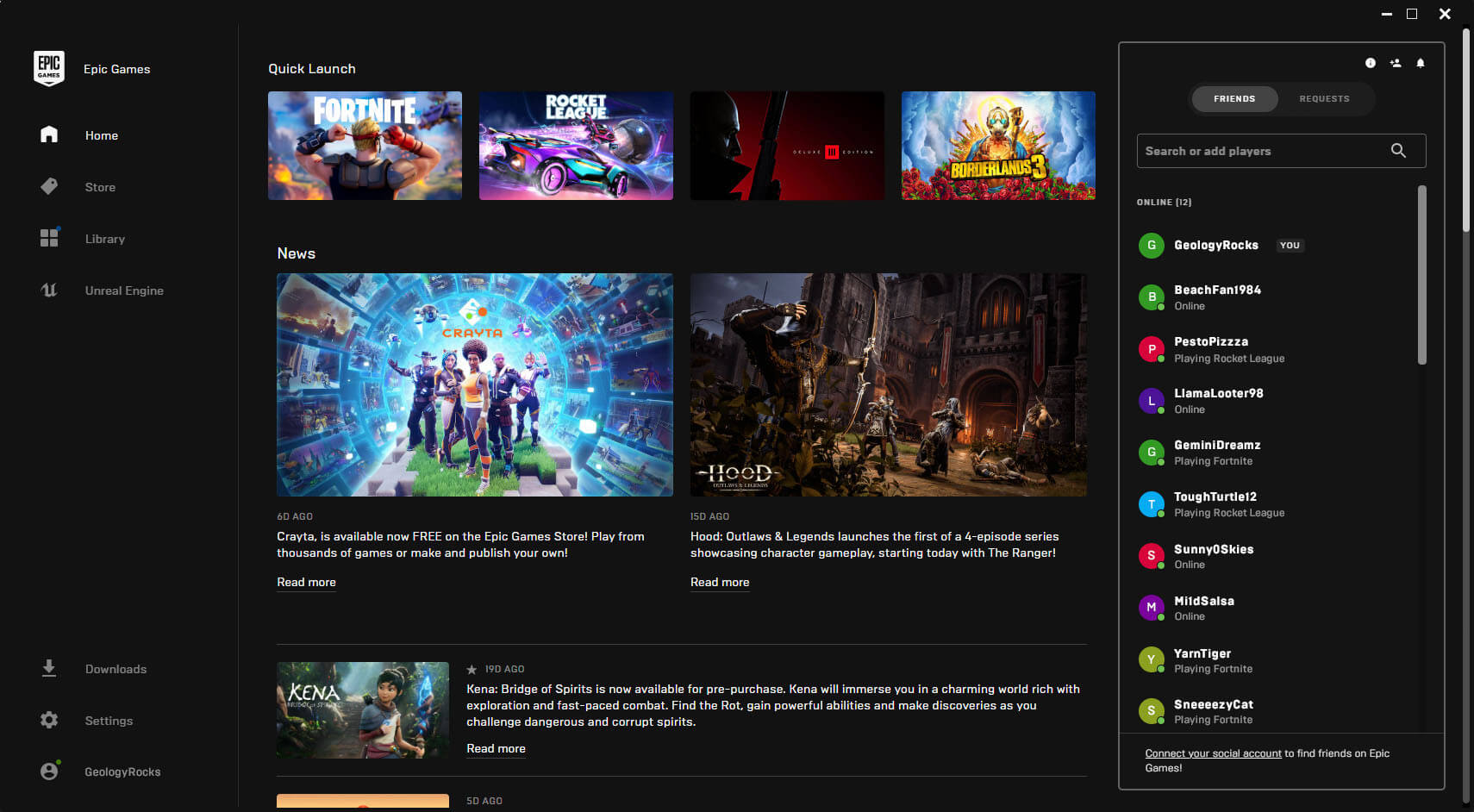
Epic supports code redemption through both the Epic Games Launcher and its website. In the launcher, open your account menu, select Redeem Code, enter the code and confirm it. Successfully redeemed content is then available in the Epic Games Launcher library.
The universal rule: redeem a game key only while signed into the account where you want the licence to live. Moving an activated digital game from one account to another is generally not something you should assume will be possible.
Game key vs. buying directly from Steam: What is the difference?
Once a compatible key has been successfully activated, the practical result can look very similar to a direct storefront purchase: the game appears in your platform library and you download it using the platform’s client.
The biggest difference is the purchase route. If you buy directly on Steam, the transaction happens through Steam and the game is immediately associated with your account. If you buy a Steam-compatible game key on G2A.COM, you receive a code and manually redeem it on Steam.
| Game key | Direct store purchase | |
|---|---|---|
| How you receive access | Redeem a code | Automatically added after checkout |
| Where the game ends up | Compatible account used for redemption | Account used for the purchase |
| Price | Can vary between marketplace sellers | Set by the storefront or publisher promotion |
| Main advantage | More pricing options to compare | Simplest purchase and activation flow |
For many buyers, price is the deciding factor. If the same Steam game is substantially cheaper as a compatible key on G2A.COM, taking an extra minute to redeem the code can be worthwhile.
Why buy game keys on G2A.COM?
The main reason is choice. G2A.COM is a marketplace rather than a single publisher store, so multiple verified business sellers can compete for the same buyer. This can create lower prices for popular PC games, older releases, complete editions and other digital content.
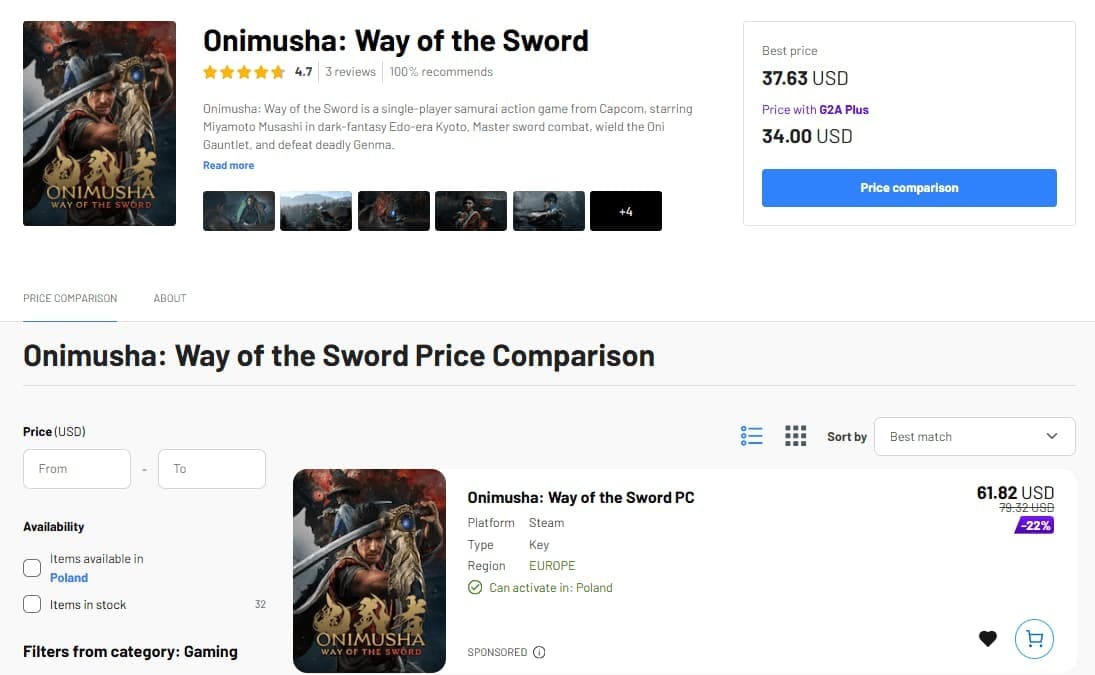
G2A.COM says the game keys available through its marketplace ultimately originate from game developers and publishers, because those are the parties able to generate new activation codes. Verified retailers and wholesalers can obtain keys through distribution channels and then list offers through the marketplace.
That makes G2A.COM especially useful as a price-comparison stop. Before paying full price on Steam, Ubisoft Connect or another store, search the title on G2A.COM and compare the current options.
G2A Plus: Plus Free members earn Plus Points when shopping, with 100 Plus Points equal to €1 that can be used toward future orders. Plus Premium also offers better member prices, higher discount codes, a monthly digital game reward and priority help after purchase.
What can go wrong when activating a game key?
Most activation problems fall into a small number of categories. Understanding them makes troubleshooting much easier.
The key is for a different platform
A Steam code is not interchangeable with an Epic, Ubisoft or EA code. Go back to the offer information and verify the required gaming service.
The code is not compatible with your location
Some keys have geographic activation restrictions. This is why territory compatibility should be checked before checkout rather than after receiving the code.
The key has already been used
Activation platforms can reject a code that has already been redeemed. If you believe a newly purchased key was already used, follow the support process for the marketplace or seller from which you purchased it.
You activated the game on the wrong account
This can be difficult to undo. Ubisoft and EA both explicitly tell users to sign into the account where they want the content before activation. Treat every redemption as permanent and confirm the account first.
Game key FAQ
What is a game key in simple terms?
A game key is a code that activates digital content on a compatible gaming platform. Once redeemed successfully, the game is added to the account that used the code.
Is a Steam key the same as buying a game on Steam?
Not exactly. A direct Steam purchase is added to your library automatically. With a Steam key, you buy the code elsewhere and redeem it manually on Steam. After successful activation, the game is available through that Steam account.
Why are game keys sometimes cheaper?
Marketplaces such as G2A.COM allow verified sellers to compete on price. G2A says retailers and wholesalers can obtain keys through developers, publishers and distribution channels, including bulk purchasing, which can allow them to list lower-priced offers.
Where can I buy cheaper game keys?
G2A.COM is worth checking before paying the current price on Steam or another official store. Different marketplace sellers can list offers for the same title, so prices can vary. Compare the exact game, edition and supported platform before buying.
Can I use the same game key twice?
Normally, no. Game keys are unique activation codes intended for a successful redemption. Once the licence has been attached to an account, the same key does not create another copy on a different account.
Does a game key expire?
There is no universal rule for every digital code. Some keys may have specific activation conditions or time limits, while others do not. Check the details associated with the offer before buying or waiting a long time to redeem it.
A game key is just another way to add a game to your library
Game keys sound more technical than they really are. In practice, the process is simple: buy a compatible code, redeem it through the correct platform and download the game from your account.
The biggest advantage for buyers is that keys create another place to compare prices. Instead of assuming the current Steam, EA or Ubisoft store price is the only option, you can check G2A.COM and see whether a compatible marketplace offer costs less.
Just remember the beginner checklist: confirm the platform, check compatibility, compare editions, make sure you are signed into the correct account and only then redeem the code. Once you understand those basics, buying and activating game keys is usually a very straightforward process.