
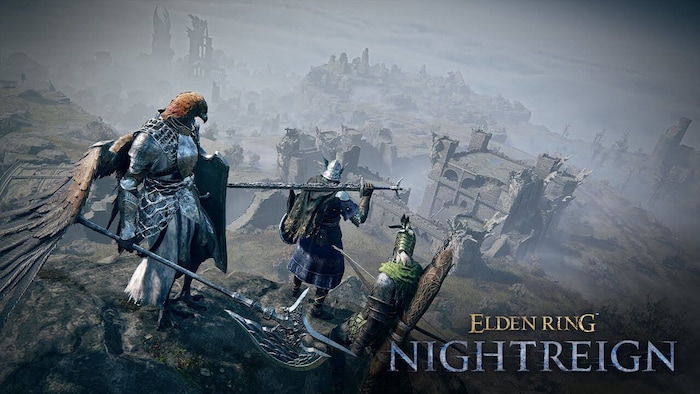
The newest Elden Ring: Nightreign patch focuses on fixing a number of issues to ensure a more enjoyable experience.
Highlights of patch 1.01.4 include UI fix for displaying weapon types, multiplayer matchmaking fix, infinite revival fix, Recluse Remembrance music fix, The Crater achievement fix, and more.
Weapon Type Display QoL
Displaying weapon types is a huge quality-of-life improvement, especially considering that some weapons could easily belong to different weapon types, making things a bit confusing and counterintuitive.
For example, curved swords and curved greatswords, or hammers and great hammers. And then there are also colossal weapons which could easily be confused with basically any “great” weapon.
https://twitter.com/ActuallyRaze/status/1936748035989483609
Before the update, to know which weapon belongs to which type, you had to refer to either the Visual Codex or online guides and memorize everything; now, the weapon type will be displayed above the weapon’s name in the Armament Menu.
Multiplayer Bug Fix
Patch 1.01.4 is addressing an annoying multiplayer issue that was occasionally breaking matchmaking when two people joined and left your team at the same time. If you experienced 30 minute queues, it was probably the cause, and now it’s fixed.
Other Fixes in 1.01.4
The new Nightreign update also fixes the following:
- The “It’s Raining” gesture bug, where the game wouldn’t register its acquisition in multiplayer properly,
- Infinite revive exploit during the third-day boss fight caused by restarting the session from the title screen,
- The acquisition of “The Crater” achievement, which failed to register if players left too quickly after clearing the “Shifting Earth: Crater” area,
- The music in Recluse Remembrance that wouldn’t play properly under specific circumstances,
- Additional potential performance and stability fixes that weren’t explained in full detail.
App Version vs. Reg Version – What’s the Difference?
In Elden Ring, similarly to Dark Souls, you’ll see two different version numbers that are not to be confused with each other: App and Regulation. You can find your game’s version numbers in the bottom right corner after launching the game.
If you see the two numbers being different, don’t worry – that’s perfectly normal. They’re not tied to each other in any way; they represent different kinds of updates and have their own separate numbers.
That’s how FromSoftware does things: App updates are more in-depth and may involve significant changes on how the game works and fix known bugs, while Regulation updates focus on the game’s balance by slightly tweaking the numbers.
At the time of writing, the most recent Nightreign update versions are:
In case you missed – there are new Extra-Beefy Bosses in Nightreign.