


























How to activate:
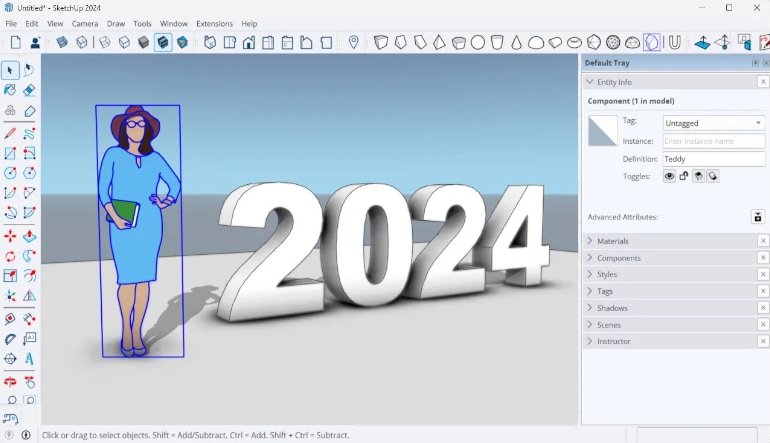
- Open SketchUp: Launch the SketchUp application on your computer.
- Sign In: When the “Welcome to SketchUp” window appears, click on the “Sign In” button. This will open a new browser window.
- Trimble ID: In the browser window, sign in using your Trimble ID. If you don’t have one, you can create it on the spot.
- Return to SketchUp: After successfully signing in, a message will appear letting you know you can close the browser window and return to SketchUp.
- Activation Confirmation: SketchUp will now be activated and ready for use.
SketchUp 2024 Studio:
- Includes All Pro Features: Everything available in SketchUp Pro is also included in Studio.
- V-Ray: Advanced rendering tool for creating photorealistic images.
- Scan Essentials: Allows you to import, view, and model directly on point cloud data, which is useful for capturing the “as-built” condition of a project.
- Sefaira: Provides tools for energy analysis and sustainability assessments.
- Target Audience: Ideal for larger projects and users who need advanced rendering and analysis tools.
- Price: Higher than Pro due to the additional features.