Best Survival Horror Games of All Time
The survival horror genre is broad and popular, and not just because both survival games and horror...
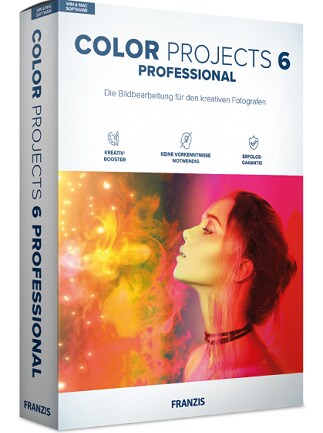
COLOR projects 6 Pro is a RAW photo editor for Windows with 208 presets, selective color adjustments, photo montage tools, and plug-ins for Adobe Photoshop and Lightroom.
1 out of 1 item
COLOR projects 6 Pro is a photo editor for Windows that helps photographers develop RAW files, fine-tune color and light, and turn portraits and landscapes into photo montages.
Give a street portrait a vintage finish or turn it into a halftone poster. For a night scene, add soft circles of light to echo the glow of the streetlamps.
Create a montage by blending a second photograph into the scene. Use the texture converter to try a brick or wood finish on a wall, then adjust its scale and angle to match the building.
Preview 208 presets on your own photo to find a starting point. Try a natural treatment on a landscape, then switch to a more saturated look to see which suits the light.
Use the Optimisation Assistant to adjust tonal values, clarity, and sharpness. Lower its opacity for a subtler adjustment while keeping your chosen preset.
Open RAW, JPEG, or TIFF images in the standalone editor. You can also send a photo from Adobe Lightroom or use the Photoshop filter plug-in to apply an edit directly to your open image.
Save a JPEG for your online portfolio or a TIFF for further editing. Keep a project file when you want to return to the same edit later.