
Best Survival Horror Games of All Time
The survival horror genre is broad and popular, and not just because both survival games and horror...
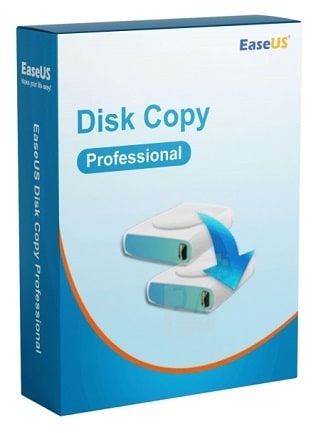
Why Do You Need Disk Copy Tool? EaseUS Disk Copy can easily upgrade your hard drive from the old disk to a new one or clone MBR disk to GPT disk or GPT disk to MBR. Also, it allows you to clone HDD to SSD for better performance.
3 out of 3 items
EaseUS Disk Copy Pro is Windows disk cloning software for migrating an operating system, applications, settings, and personal files between HDDs and SSDs without reinstalling everything.
EaseUS Disk Copy Pro transfers the operating system, boot partitions, installed applications, system settings, and personal files to another drive. The new disk can be prepared as a replacement for the original drive without requiring a fresh Windows installation or manual software setup.
The software simplifies storage upgrades by cloning the contents of an existing hard drive to a faster SSD. It supports common SATA and NVMe drives, making it suitable for improving startup times, application responsiveness, and general system performance while preserving the existing Windows environment.
Users can duplicate an entire disk or copy an individual partition. The destination layout can be adjusted during the cloning process, allowing partitions to be automatically fitted or manually resized to use the available capacity of the new drive.
Sector-by-sector cloning creates a detailed copy of the source storage device by transferring individual sectors. EaseUS Disk Copy Pro can also create WinPE bootable media, enabling disk cloning or migration when Windows cannot start normally.
A cloned drive can serve as a ready-to-use replacement if the original disk fails. Because the copy can include Windows, applications, files, and settings, users can reduce the time required to restore a familiar working environment after a storage upgrade or hardware problem.