
Best Survival Horror Games of All Time
The survival horror genre is broad and popular, and not just because both survival games and horror...
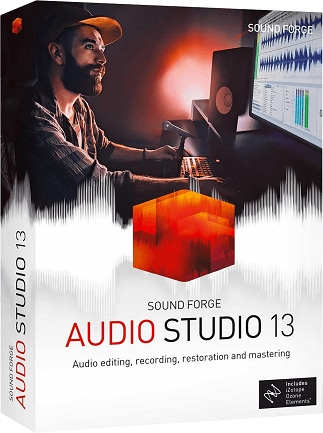
MAGIX SOUND FORGE Audio Studio 13 for Windows: record and edit audio, restore vinyl and tapes, refine cuts with theEvent Tool and work with 5.1 surround sound
1 out of 1 item
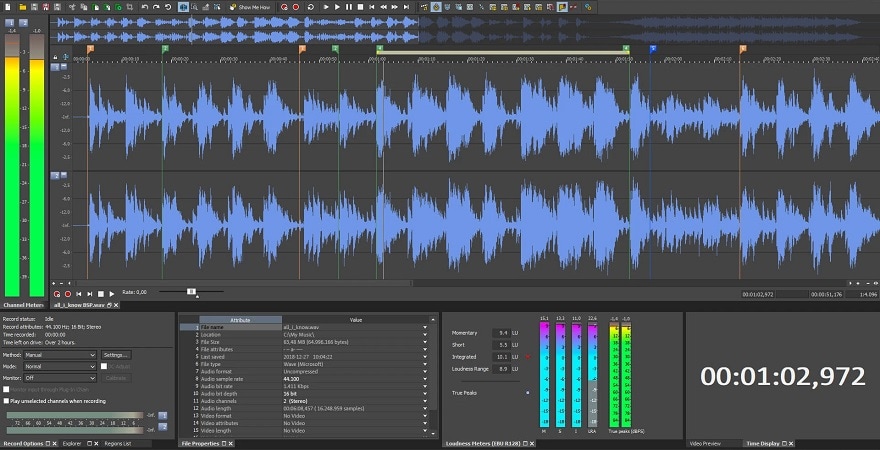
MAGIX SOUND FORGE Audio Studio 13 is Windows audio software for musicians, podcasters and home recordists, with recording, waveform editing, audio restoration and support for MP3, FLAC and Ogg Vorbis.
Record spoken material, musical performances and other audio for your projects. Bring recordings into the editor to select the passages you want and assemble a finished piece.
Trim pauses, remove unwanted sections and rearrange material to improve the flow. Whether you are shaping a podcast or preparing a soundtrack, precise editing helps keep attention on the audio that matters.
The Event Tool lets you move and crossfade audio sections non-destructively. Adjust the boundaries between passages to make edits sound smoother and avoid abrupt transitions.
Save your work and return to those event edits for further changes. You can refine the arrangement as your project develops, keeping control over earlier cuts and transitions.
Transfer the sound of vinyl records and tapes into digital recordings with the Vinyl Recording and Restoration Tool. Reduce vinyl crackle and raise low recording levels to make older material more enjoyable to hear.
Keep the restored audio as digital files or burn it to disc. Recording, repair and output belong to the same workflow, making it practical to work through a personal music collection.