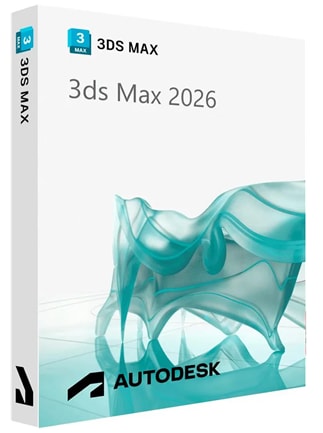
Autodesk 3DS Max 2026
Autodesk 3DS Max 2026 (PC) for 3D modeling, animation, and Arnold rendering on Windows. Create game assets, architectural visualizations, and detailed scenes with editable modeling workflows.
Autodesk 3DS Max 2026 Fiyat Karşılaştırması
Autodesk 3DS Max 2026 - PC 1 Cihaz 1 Yıl
- PlatformAutodesk
- TürAnahtar
- BölgeKÜRESEL
Şurada etkinleştirilebilir: Türkiye4 SATICIDAN TEKLİFLER88.71 CZK
1 1 item içinden
Autodesk 3DS Max 2026 hakkında
Autodesk 3DS Max 2026 (PC) is professional 3D modeling, animation, and rendering software for Windows. Create detailed game assets, architectural visualizations, and animated scenes with an editable, modifier-based workflow.
Autodesk 3DS Max 2026 Key Features
- Rebuild complex meshes into clean, quad-based geometry with Retopology Tools.
- Adjust texture coordinates using the Unwrap UVW modifier.
- Create physically based surfaces with OpenPBR materials.
- Generate procedural texture maps with Open Shading Language (OSL) support.
- Bake surface details into texture maps with Bake to Texture.
- Rig and animate characters with CAT and Biped tools.
- Simulate liquids with gravity and collision effects using Max Fluids.
- Create particle effects with Particle Flow.
- Import and export FBX, OBJ, DXF, and Alembic files.
- Runs only on 64-bit Microsoft Windows 10 and Windows 11.
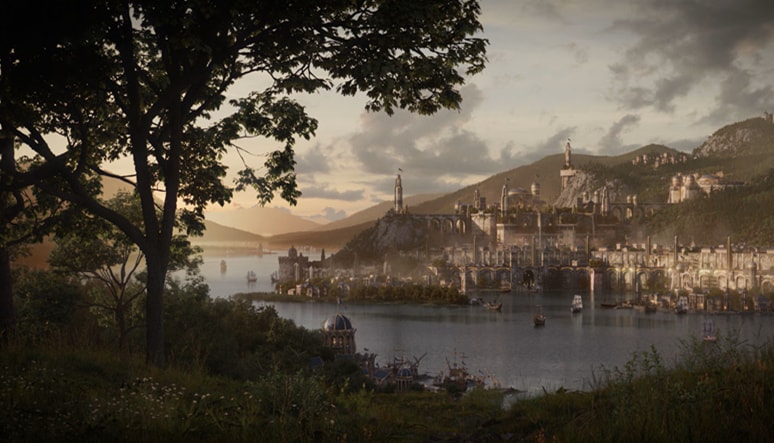
Create game worlds and design visualizations
Build environments, characters, vehicles, and props for games and animation. Use polygon, subdivision surface, and spline modeling tools to shape both mechanical parts and organic forms.
Turn architectural concepts into interior scenes, exterior views, and animated walkthroughs. Produce furniture presentations and design imagery that show proportions, finishes, and spaces before anything goes into production.
Refine models and render with Arnold
Keep your modeling workflow flexible with the modifier stack. Reorder operations, adjust earlier settings, and reuse modifiers across objects as your design evolves.
Use the integrated Arnold renderer to turn scenes into finished images. Combine photometric lighting with physical camera controls to set exposure, depth of field, and the overall mood of your presentation.
Link design files and export assets
Bring AutoCAD drawings and Revit models into your scenes with File Link Manager. Reload linked files to update design changes in your visualization while keeping the source geometry connected.
Prepare game asset handoffs with the Real-Time Exporter by selecting models and defining named animation clips. Save rendered stills and image sequences in formats such as OpenEXR, PNG, and TIFF for compositing, editing, or presentation.
Who is Autodesk 3DS Max 2026 for?
- Game environment artists building locations, scenery, and props
- Character artists creating detailed models for animation
- Animators working on character performances and scene movement
- Architectural visualization specialists presenting buildings and interiors
- Design visualization artists creating furniture and object imagery
- Lighting artists preparing rendered scenes for film and television
- Freelance 3D artists producing assets and portfolio pieces