
Adobe Software Code - Redeem Guide
Adobe Software Installer Download
Notice! To activate your Adobe Acrobat 2019 license key, you need to have the free version of the program installed on your PC. G2A.COM and the sellers of this offer don’t provide the installation file. If you have problems with the installation, you can contact Adobe Support
IN ORDER TO REDEEM A CODE Download the installer in zip file format and copy it to any folder on your computer. You can download it from Adobe official website:
Adobe Software Activation
- Open the compressed file to view its contents
- Go to the Setup.exe file and double-click to start the installation.
- Follow the on-screen instructions to complete the installation.
- Enter the serial number when prompted.
- Log in to your own Adobe ID to enjoy the software
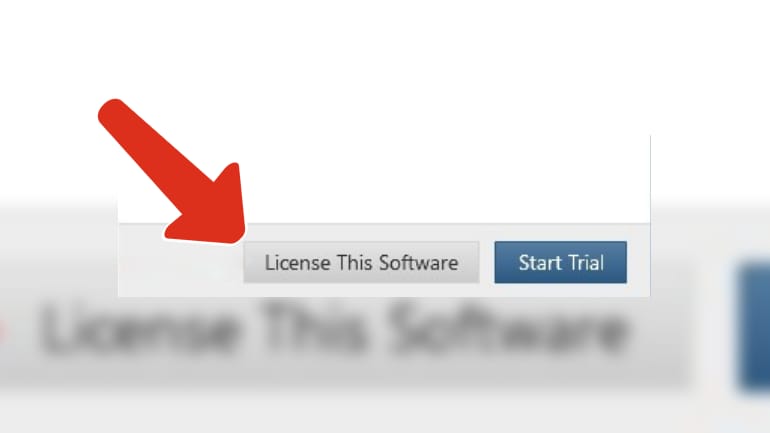
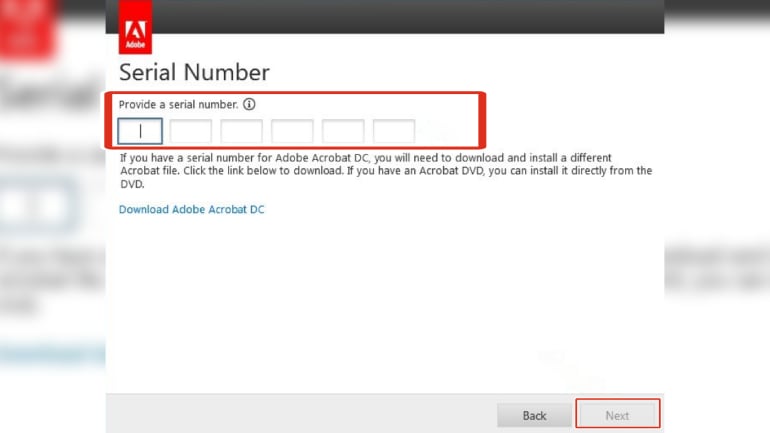
Adobe Software Online Activation
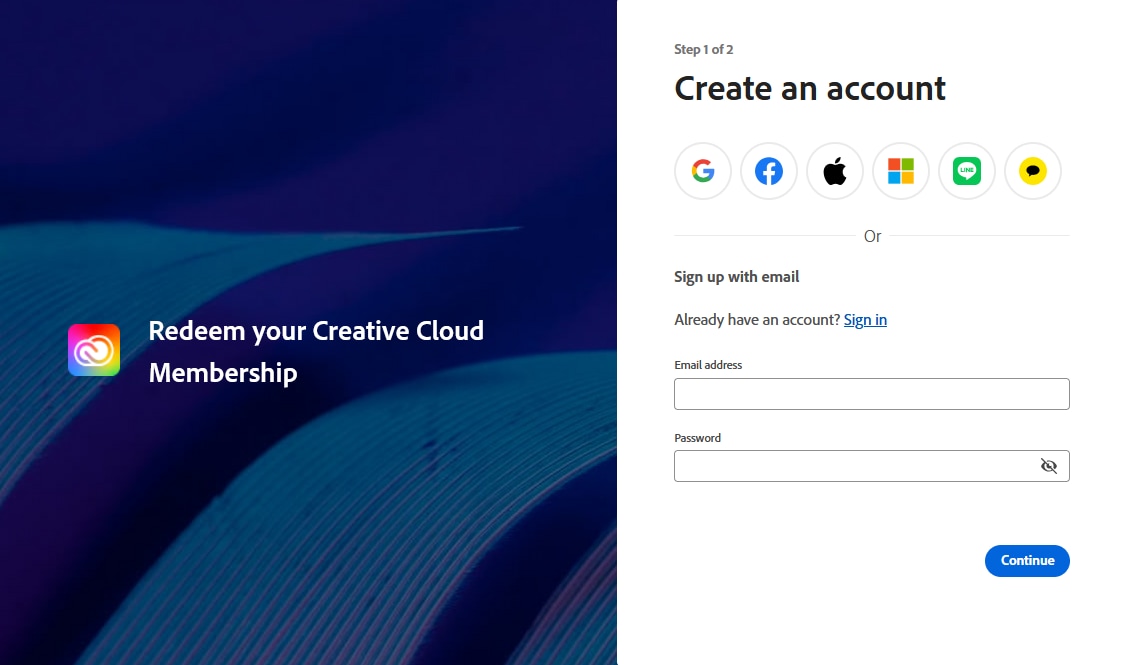
- Visit Redeem your Creative Cloud membership
- Sign in or create an Adobe ID.
- Enter the redemption code, and then click Reedem Code.
- You're all set.
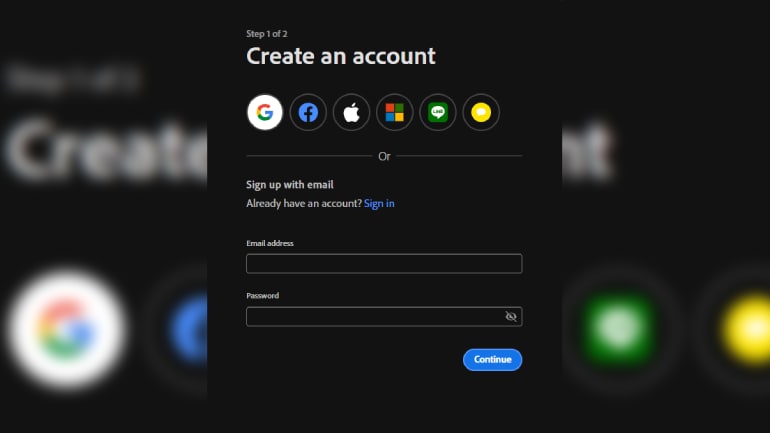
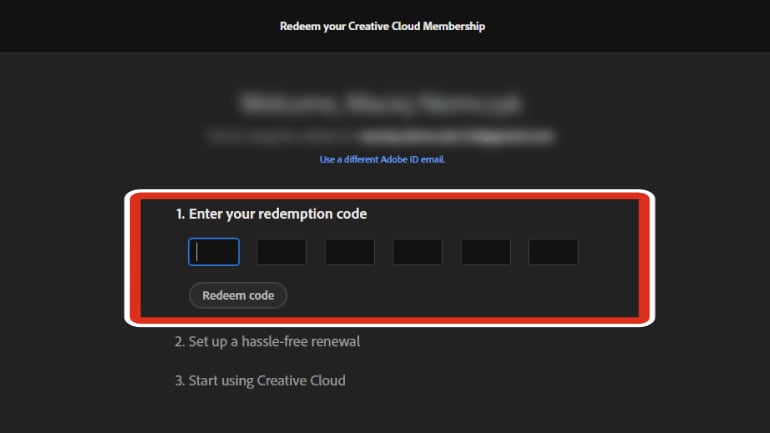
Note: Do not run the Setup.exe file from within the installer zip file as you might encounter errors during installation. If you still have doubts regarding the installation or the product please do contact us before purchasing.
Adobe Creative Cloud
- Sign into https://creative.adobe.com/ by using your Adobe ID
- You can then download the Adobe Application Manager and begin the install process
- Log in to your own Adobe ID to enjoy the software
- With a issue with account please try log in again
Popular guides
- Adobe Code Activation
- Avast Antivirus Code Activation
- GOG.COM Game Key Activation
- EA / Origin Cash Card Activation
- Epic Games Code Activation
- Battle.net Code Activation
- G2A PLUS Key Activation
- Google Play Code Activation
- Grand Theft Auto V (Rockstar Game Launcher) Activation
- IL-2 Sturmovik Activation