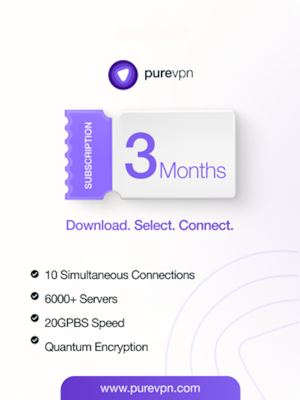





























How to Activate Your PureVPN 3 Months Subscription:
- Visit the Activation Page: Open your web browser and go to this WEBSITE
- Enter Your Activation Code: On the activation page, enter the activation code provided in your purchase confirmation email or on the card that came with your subscription.
- Create Your PureVPN Account: If you are a new user, create a PureVPN account by entering your email address and setting a password.
- Download and Install PureVPN: After activating your subscription, download the PureVPN app on your preferred devices. PureVPN supports a wide range of platforms, including Windows, macOS, Android, iOS, and Linux.
- Log in to the PureVPN App: Open the PureVPN app on your device and log in with your PureVPN account credentials.
- Connect to a VPN Server: Once logged in, select a server location from the list and click 'Connect' to start using PureVPN. You can choose a server based on your needs, such as for streaming, browsing, or enhanced security.
- Enjoy Secure Browsing: Your PureVPN is now active, and you can enjoy secure, private, and unrestricted internet access on up to 10 devices.
** For additional support or troubleshooting, visit PureVPN’s support page or contact their 24/7 customer support team.
** Activate your PureVPN subscription today and start browsing the internet with confidence and security!