






How to activate:
- Download the trial version from the official FolderSizes website.
- Run the installer and follow the on-screen instructions to complete the installation.
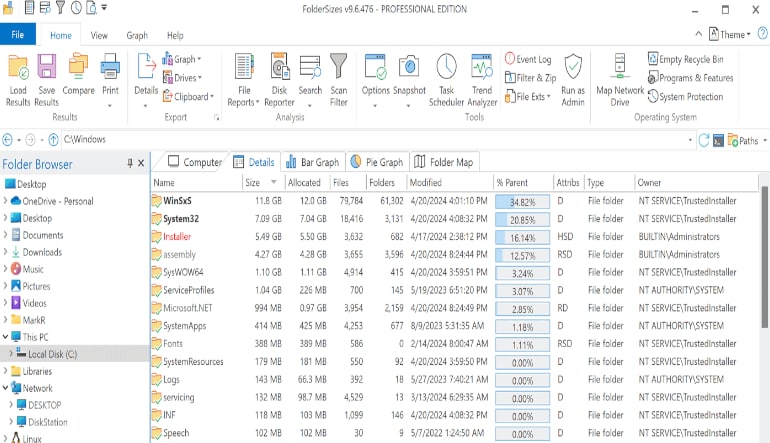
- Open FolderSizes Disk Space Analyzer after installation.
- Navigate to the activation section within the application.
- Enter the activation key you received upon purchase. If you don’t have a key, you can purchase one from the FolderSizes website or authorized resellers.
- Follow any additional prompts to complete the activation process.