
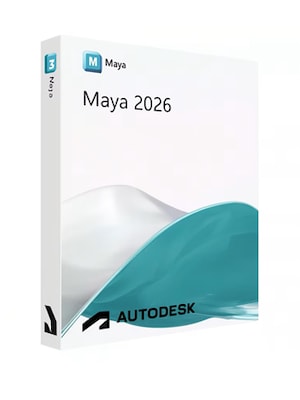









Autodesk Maya 2026 is professional 3D software for modeling, animation, simulation, rendering, and visual effects. It combines advanced creative tools with Arnold, Bifrost, OpenUSD, and production pipeline integrations.
Autodesk Maya 2026 Key Features
- Polygon, NURBS, sculpting, and UV editing tools for detailed 3D modeling
- Keyframe, nonlinear, motion capture, and character animation workflows
- Character rigging, skinning, deformation, and HumanIK retargeting tools
- Bifrost tools for liquids, particles, explosions, waves, snow, and procedural effects
- Integrated Arnold renderer for lighting, shading, and photorealistic rendering
- LookdevX tools for creating procedural OpenUSD and MaterialX materials
- OpenPBR as the default surface shader
- OpenUSD workflows for assembling, editing, and exchanging complex scenes
- Flow Retopology for processing complex geometry through cloud-based jobs
- Python scripting, plug-in support, and Unreal Live Link pipeline integration
Create Detailed 3D Models and Environments
Build characters, props, vehicles, architecture, and complete digital environments with polygon and NURBS modeling tools. Smart Extrude helps produce cleaner geometry with less manual correction, while sculpting, UV editing, and retopology features support the full asset creation process.

Rig and Animate Believable Characters
Bring characters and objects to life using keyframe animation, motion capture data, nonlinear editing, skeletons, skinning, and deformation tools. HumanIK helps transfer animation between characters with different proportions, while graph-based controls provide precise management of timing and movement.
Produce Simulations and Visual Effects with Bifrost
Use the Bifrost visual programming environment to generate liquids, particles, snow, smoke-like effects, explosions, ocean surfaces, and procedural geometry. Scattering and instancing tools also help populate large scenes with complex environmental details.
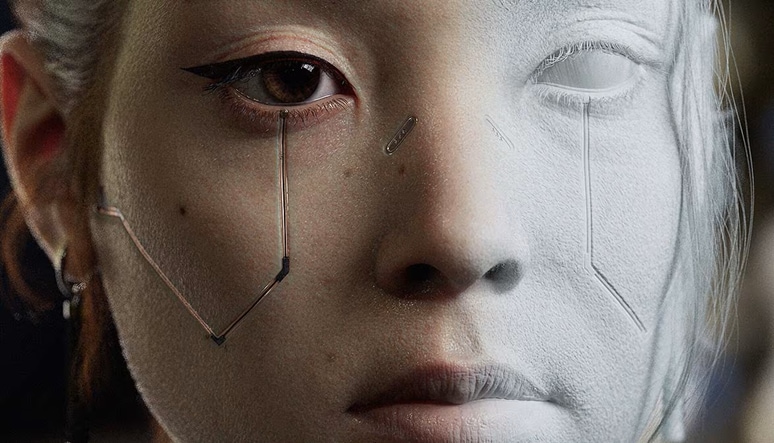
Develop Materials and Render with Arnold
Create surfaces with OpenPBR, LookdevX, and MaterialX-based workflows, then preview lighting and material changes through the integrated Arnold renderer. These connected tools support consistent look development and high-quality final images across demanding animation and visual effects projects.
Build Connected Production Pipelines
OpenUSD support helps teams organize, exchange, and edit complex assets without permanently changing source data. Maya can also connect with external production tools through Python, custom plug-ins, Unreal Live Link, and Autodesk Flow Production Tracking workflows.
Who Will Like Autodesk Maya 2026
- 3D modelers creating characters, props, vehicles, or environments
- Character animators and rigging artists
- Visual effects and simulation specialists
- Game developers preparing assets and animation for real-time engines
- Film, television, and advertising production studios
- Lighting, shading, and rendering artists
- Technical artists building custom tools and production pipelines
- Professional creators working with OpenUSD and MaterialX workflows


