












How to activate:
- Go to Bitdefender Central and sign in with your Bitdefender account. If you don’t have an account, create one.
- Once signed in, go to the “My Subscriptions” section.
- Click on the “+ Activate with code” button.
- Enter your activation code and click “ACTIVATE”.
- Download the Bitdefender installer from your Bitdefender Central account.
- Run the installer and follow the on-screen instructions to complete the installation.
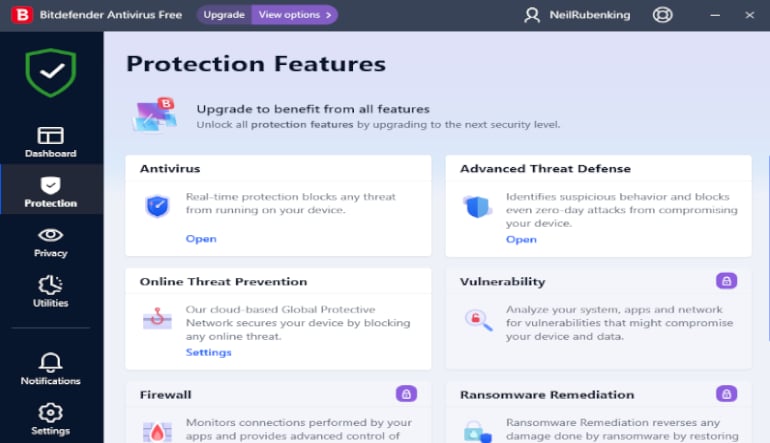
- After installation, open Bitdefender Antivirus Plus 2024.
- Ensure that your subscription is active and the software is up to date.