


CapCut Pro is a premium subscription for the CapCut video editing app, unlocking advanced AI tools, premium templates, expanded cloud storage, and cross-platform project access for content creators.
CapCut Pro Key Features
- Advanced AI-powered editing tools for faster, more creative video production
- Access to a large library of premium templates, effects, and stock assets
- Expanded cloud storage for projects, footage, and exported videos
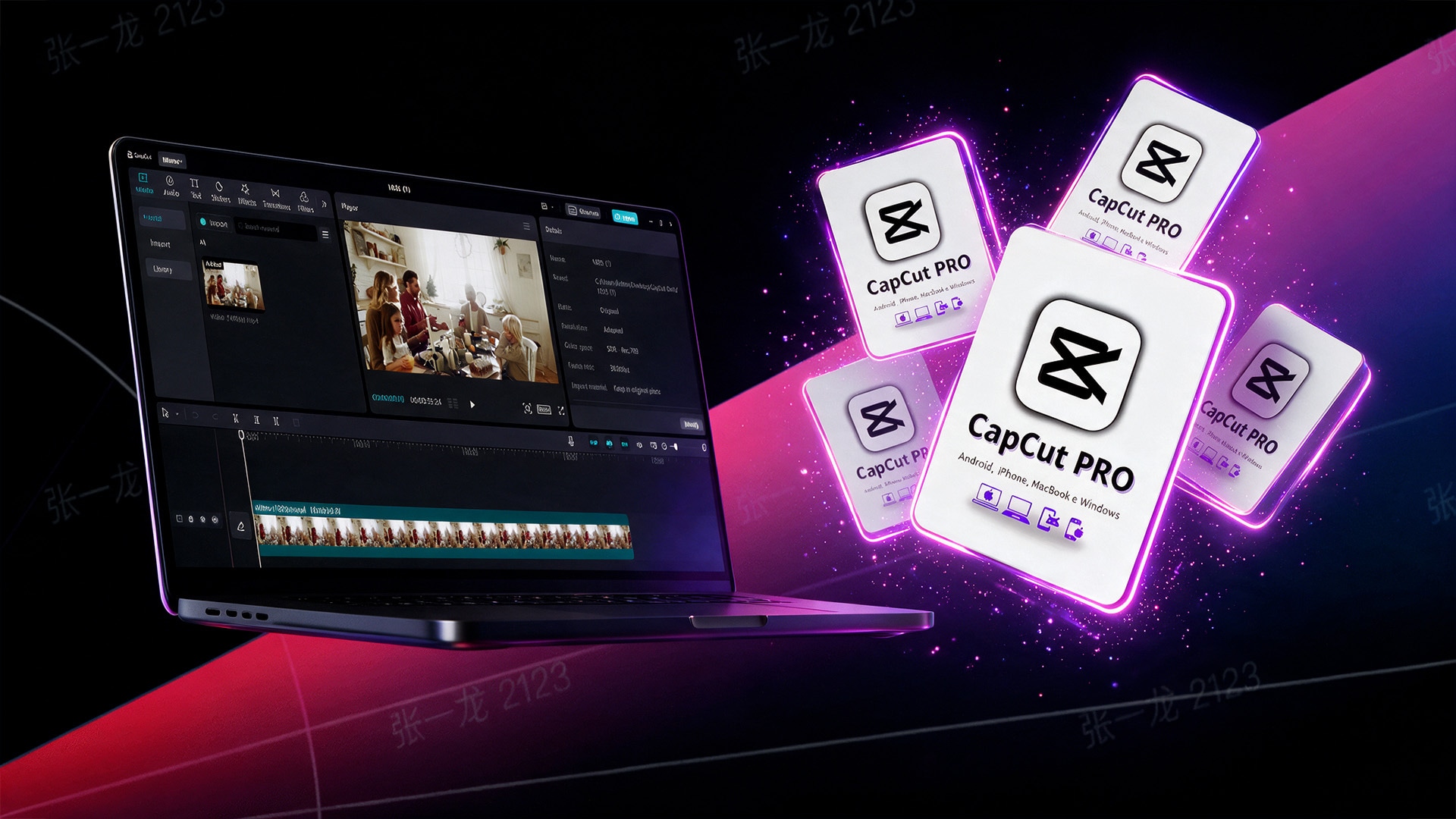
- Cross-platform project access, letting edits continue seamlessly between desktop, mobile, and web
- Higher monthly AI credit allowance compared to the free and Standard tiers
- Priority export quality and faster rendering for finished videos
- Ideal for creators who regularly produce content for social media and other platforms
How CapCut Pro Works
CapCut Pro is activated through a CapCut account and unlocks its premium tools automatically across the desktop app, mobile app, and web editor. Once subscribed, users gain access to the full premium template and asset library, additional AI credits, and expanded storage, with projects syncing across devices tied to the same account. A CapCut account and an internet connection are required to activate and manage the subscription.
What Do You Get with CapCut Pro?
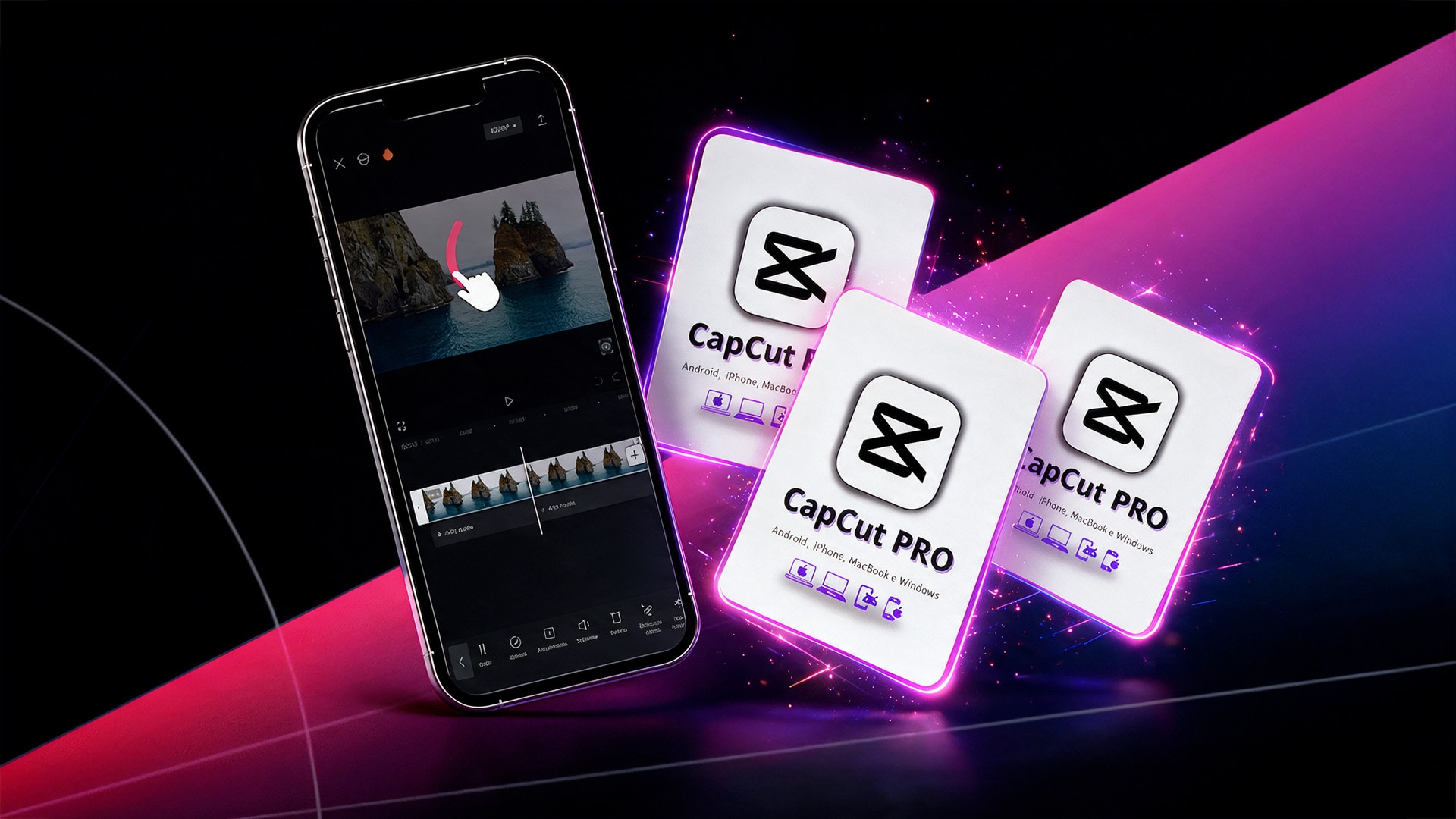
Pro subscribers can use advanced AI creation and editing tools, including generative features for video clips, alongside premium templates, transitions, and stock media not available on the free tier. The higher AI credit allowance supports more frequent use of automated editing features, while expanded cloud storage keeps ongoing projects and exports accessible across devices.
Plan and Region Compatibility
CapCut Pro pricing varies depending on region, device, and whether the subscription is purchased through the website or an app store. Before subscribing, check the current plan options and pricing shown for your account's country, since promotional rates and available tiers can differ between markets.

How to Activate CapCut Pro
- Sign in to the CapCut account on which you want to activate the subscription.
- Open CapCut on desktop, mobile, or web and go to the Pro or membership section.
- Select the Pro plan and billing period that fits your needs.
- Confirm the subscription and payment details to complete activation.
- Start using premium templates, AI tools, and expanded storage right away.
Who Will Like CapCut Pro
- Content creators who regularly edit videos for social media
- Users who want advanced AI-powered editing tools without a steep learning curve
- People who need larger cloud storage for ongoing video projects
- Creators who work across multiple devices and want synced project access
- Small businesses and marketers producing frequent short-form video content
- Editors looking for premium templates and stock assets beyond the free tier