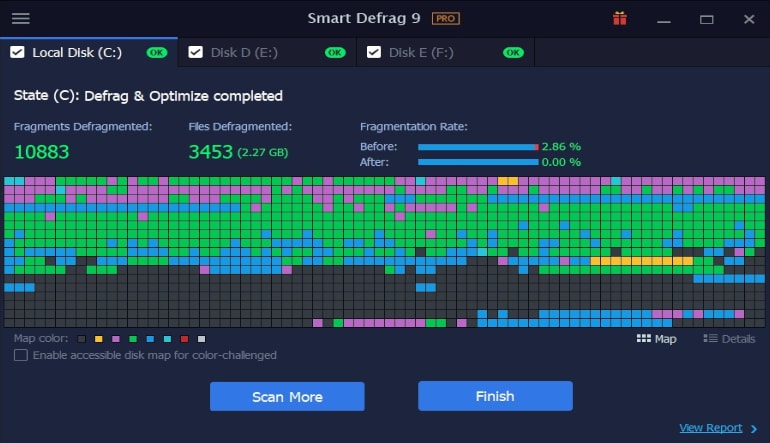













iObit Smart Defrag 9 Pro includes:
- Monitor & report disk health
- Auto defragment selected files and disks
- Boot time defragment
- Defrag registry files
- Up to 200% faster file access
- Up to 100% faster PC startup
- Faster & more stable data transfer
- Premium Technical Support
How to activate?
- If you haven’t already, download and install the latest version of Smart Defrag from the official website.
- Open Smart Defrag and click on the “Enter Code” button at the bottom right of the main screen to open the registration window.
- Copy and paste your license code into the “License Code” box and click the “Register Now” button to activate the Pro version.
If you need to refresh your Smart Defrag Pro with a new or renewal license code, please follow these steps:
- Open Smart Defrag Pro and click on the “Manage License” link at the bottom right or the “PRO” link at the top middle to open the License Manager.
- Click the “Refresh” text link to open a new registration window.
- Copy and paste your new/renewal license code into the appropriate box and click the “Register Now” button to get the new service time.