
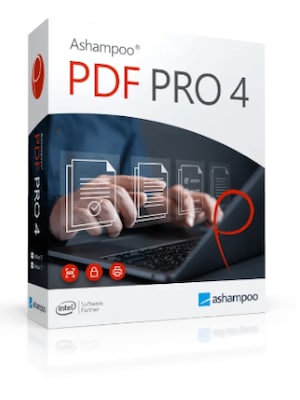
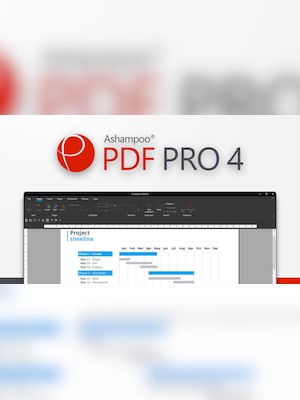







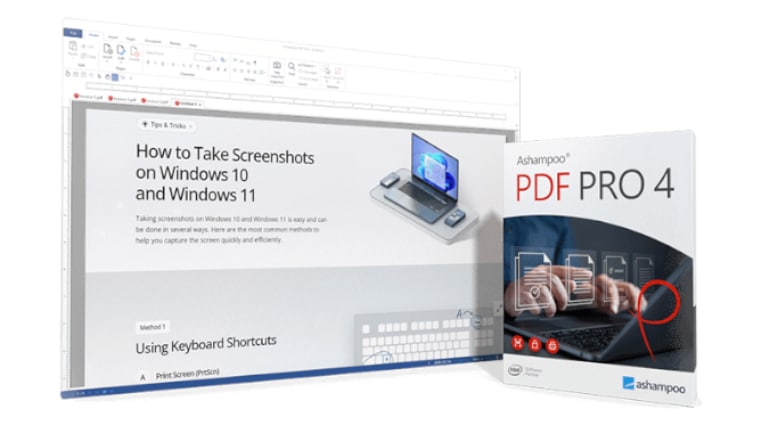
Ashampoo PDF Pro 4 is a complete Windows PDF editor for creating, converting, editing, merging, signing, organizing, and protecting documents. It combines Word-like text editing with OCR, forms, document comparison, and secure archiving tools.
Ashampoo PDF Pro 4 Key Features
- Create, edit, convert, merge, split, and protect PDF files
- Edit text across paragraphs, columns, and pages
- Convert PDFs to Word, HTML, RTF, JPG, and TXT formats
- Use OCR to turn scanned pages into editable documents
- Create, complete, and modify interactive PDF forms
- Compare two PDF documents side by side
- Rearrange, insert, extract, rotate, and delete pages
- Add digital signatures, encryption, watermarks, and redactions
- Track document changes and check spelling
- Export documents in the PDF/A archival format
Edit PDFs Like Word Documents
Ashampoo PDF Pro 4 enables direct editing of existing PDF content without requiring access to the original source file. Users can add, delete, rewrite, and format text across paragraphs and pages. Integrated spell checking, automatic hyphenation, font matching, and change tracking help maintain a consistent and professional document layout.
Create and Convert Documents
The software can create PDFs from printable applications and convert existing documents into editable formats such as DOCX, HTML, RTF, TXT, and JPG. Built-in OCR recognizes text in scanned pages, allowing paper documents and image-based PDFs to be searched, copied, and edited.
Organize, Compare, and Combine PDF Files
Pages can be inserted, reordered, rotated, extracted, or removed through a clear interface. Multiple documents can be merged into one file or divided into smaller PDFs. Side-by-side viewing with synchronized scrolling makes it easier to identify differences between document versions.
Protect, Sign, and Prepare Professional Documents
Ashampoo PDF Pro 4 supports password protection, encryption, digital signatures, permanent redaction, watermarks, headers, footers, and Bates numbering. PDF/A support helps prepare documents for reliable long-term archiving, while comments, highlights, stamps, and drawing tools simplify reviews and collaboration.
Work Efficiently With Multiple PDFs
A tab-based interface allows several documents to be opened in one window and accessed like pages in a web browser. Adjustable thumbnails, full-screen viewing, customizable toolbars, snapshot tools, and direct clipboard copying provide faster navigation and a more focused editing workflow.
Who Will Like Ashampoo PDF Pro 4
- Office workers who regularly edit, convert, or combine PDF documents
- Businesses preparing contracts, reports, invoices, and official forms
- Administrative teams managing scanned files and digital archives
- Legal professionals who need comparison, redaction, and Bates numbering tools
- Students and educators working with study materials and research documents
- Freelancers who need to create, sign, and protect professional PDFs
- Users seeking a comprehensive alternative to basic PDF readers




