












































DisplayFusion is a Windows utility for managing multi-monitor setups with customizable taskbars, window controls, monitor profiles, virtual monitor splitting, wallpapers, automation triggers, and productivity shortcuts.
DisplayFusion Key Features
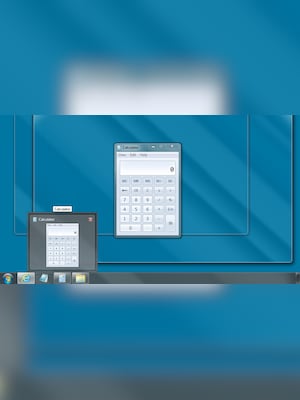
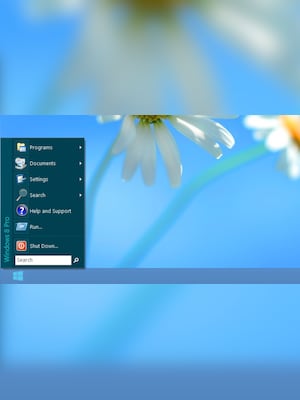
- Adds customizable taskbars to additional monitors
- Moves, resizes, positions, and organizes application windows
- Saves and restores monitor configurations and window layouts
- Splits physical displays into separate virtual monitors
- Supports individual or spanned wallpapers across multiple screens
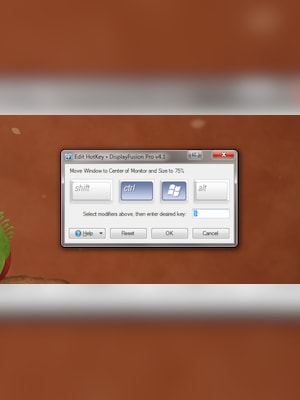
- Provides customizable hotkeys and TitleBar Buttons
- Automates actions with event-based triggers and scripted functions
- Dims inactive monitors or windows with Monitor Fading
- Offers remote controls for selected functions from a phone or tablet
- Includes desktop icon profiles and enhanced Alt+Tab options
Organize Windows Across Multiple Monitors
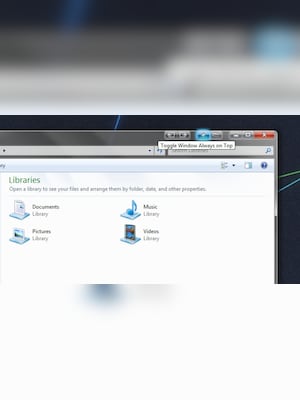
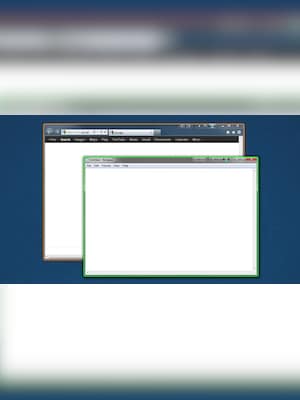
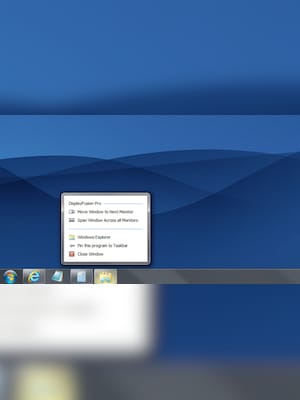
DisplayFusion provides built-in functions for moving, resizing, snapping, and positioning windows across a multi-display workspace. Custom hotkeys and TitleBar Buttons give users fast access to frequently used actions without manually dragging every window into place.
Save Monitor and Window Profiles
Monitor Profiles store display settings and arrangements for different workspaces. Window Position Profiles can save the size and location of open windows, making it easier to restore a familiar desktop layout after reconnecting monitors, switching workstations, or beginning a recurring task.
Turn Large Displays Into Virtual Monitors
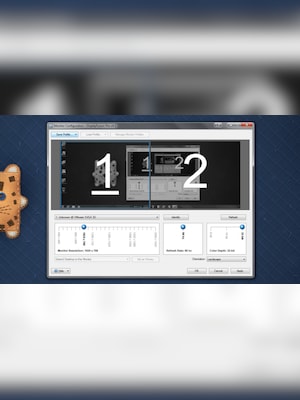
Monitor Splitting divides a physical screen into smaller virtual monitors. Each section can have its own taskbar, wallpaper, and screen saver, while supported application windows maximize within the selected split instead of covering the entire display.
Customize Wallpapers and Desktop Controls
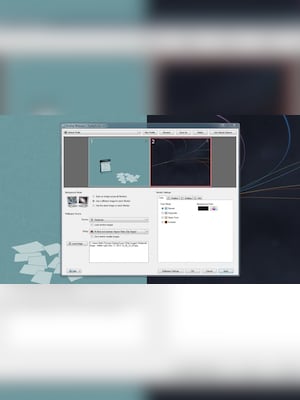
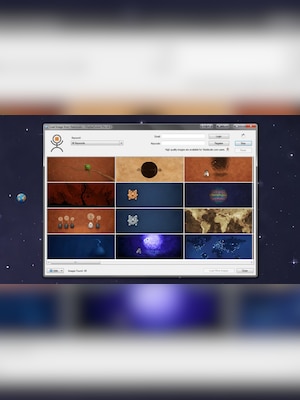
DisplayFusion can show different images on individual monitors, span one image across several screens, and automatically change wallpapers using local collections or supported online sources. Users can also save wallpaper and desktop icon profiles for quick restoration.
Automate Repetitive Display Tasks
Triggers can respond to events such as opening or focusing a window, unlocking the desktop, or leaving the system idle. They can then launch built-in commands or custom scripts, helping users automate window placement and other recurring desktop actions.
Who Will Like DisplayFusion
- Professionals working with two or more monitors
- Remote and hybrid workers managing complex desktop layouts
- Developers, designers, analysts, and content creators
- Users with ultrawide or high-resolution displays
- Gamers who use additional screens for communication or monitoring
- IT administrators managing consistent workstation configurations
- Anyone who wants greater control over Windows taskbars, wallpapers, and application windows





