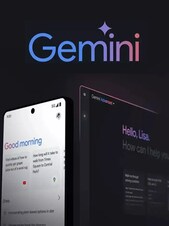
Google AI Gemini is Google's family of AI models and the Gemini app, offering conversational assistance, image and video generation, deep research, and integration across Gmail, Docs, and other Google Workspace apps.
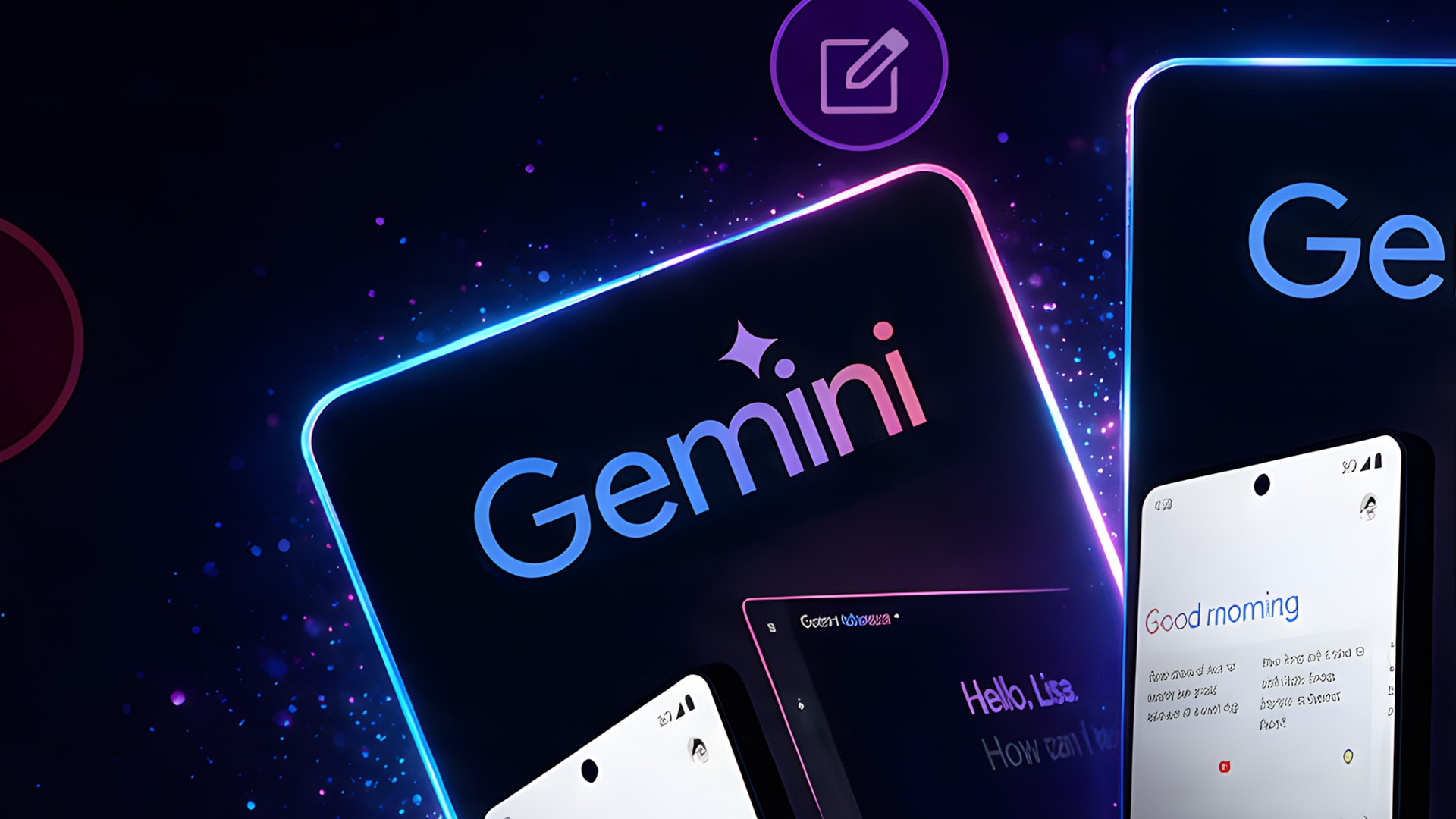
Google AI Gemini Key Features
- Conversational AI assistant available on web, mobile, and directly inside Gmail, Docs, and other Google apps
- Access to Google's Gemini model family, including fast Flash models and more capable Pro-tier models on paid plans
- Gemini Live, a real-time voice mode that can see what's on screen and answer questions about it
- Deep Research reports that gather and summarize information from across the web on a chosen topic
- Image and video generation tools, including Imagen and Veo, for creating original visual content
- Gems, customizable AI assistants built for specific tasks, from travel planning to writing support
- Google One storage bundled with paid plans, ranging from hundreds of gigabytes to tens of terabytes
- Multiple subscription tiers, Google AI Plus, Pro, and Ultra, scaling usage limits, model access, and extra perks
How Google AI Gemini Works
Google AI Gemini is accessed through a Google account, either via the free tier or one of the paid Google AI subscription plans. Once subscribed, higher usage limits, more capable models, and extra features like Deep Research, Gemini Live, and Workspace integration unlock automatically across the Gemini app, Gmail, Docs, and other connected services. A Google account and an internet connection are required to activate and manage the subscription.
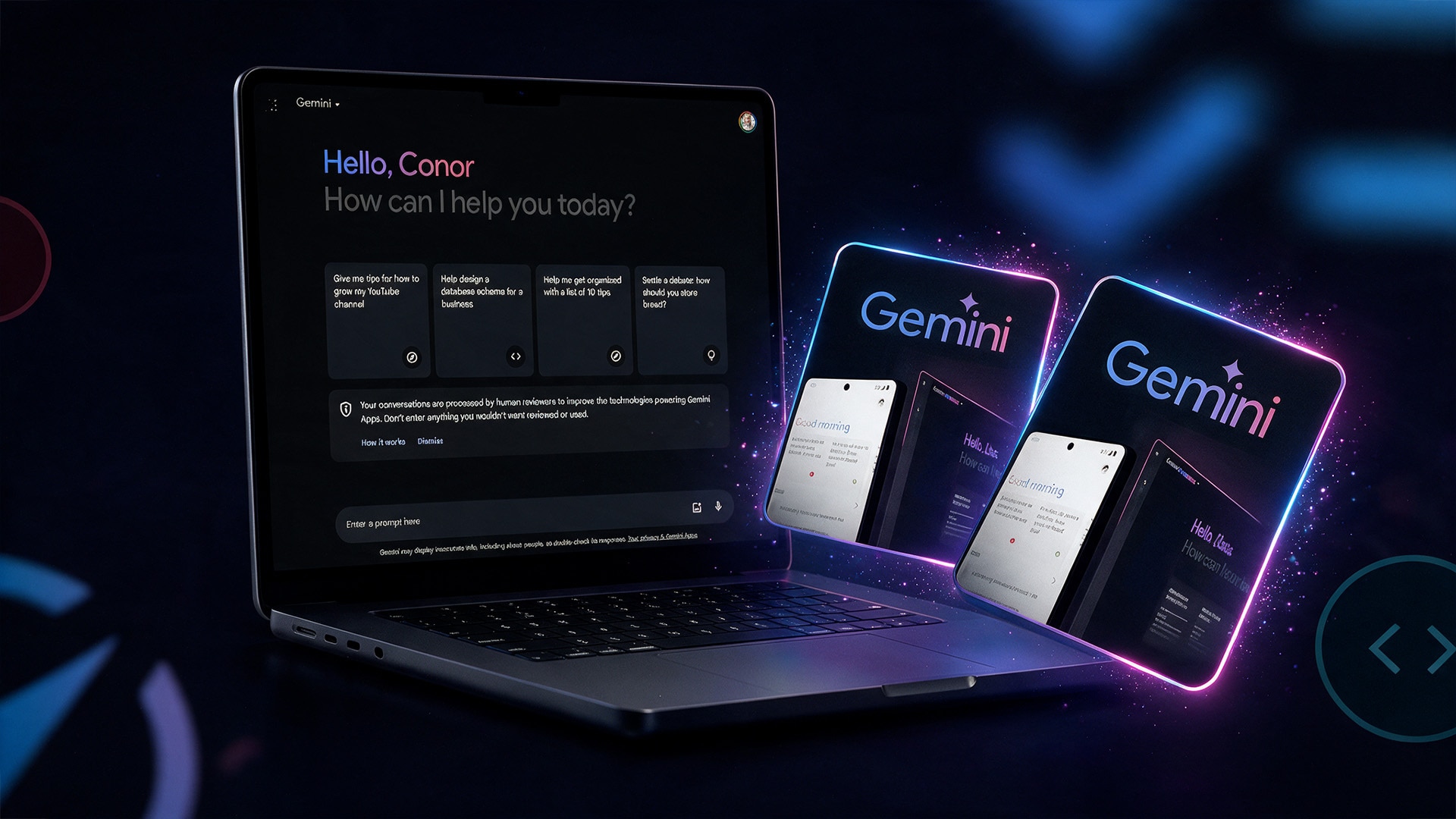
What Do You Get with Google AI Gemini?
The free tier gives everyday access to Gemini with daily usage limits, Gemini Live voice mode, and Canvas for collaborative writing and coding. Paid plans raise those limits substantially and unlock Google's most capable Gemini Pro models, a larger context window for handling long documents, Deep Research, Gemini in Gmail and Docs, and, on higher tiers, Deep Think reasoning, Gemini Spark background automation, and bundled YouTube Premium.
Plan and Region Compatibility
Google AI plans, including Plus, Pro, and Ultra, and their exact pricing and included perks can vary by region and currency, with some features, such as Gemini Spark, currently limited to specific markets and languages. Before subscribing, check which plans and features are available in your account's country, since availability and rollout pace differ between regions.
How to Activate Google AI Gemini
- Sign in to the Google account on which you want to activate the subscription.
- Go to the Google One or Gemini app subscription page.
- Choose the plan that fits your needs, such as AI Plus, Pro, or Ultra.
- Confirm the subscription and payment details to complete activation.
- Start using higher usage limits, advanced models, and extra features right away.
Who Will Like Google AI Gemini
- Everyday users who want an AI assistant built into Gmail, Docs, and other Google apps
- Professionals who need higher usage limits and access to more capable models
- Students and researchers who rely on Deep Research for gathering information quickly
- Creators interested in AI-generated images and video through Imagen and Veo
- Android and Pixel users who want deeper integration with Gemini Live and on-device features
- Heavy users and professionals who need the highest usage limits and storage found in Ultra