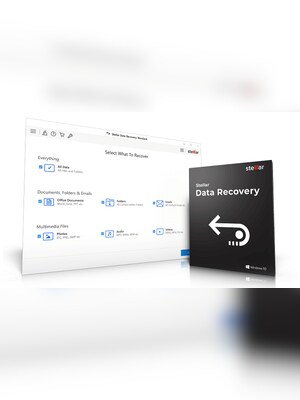
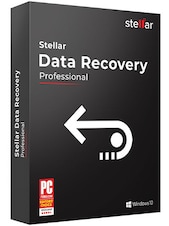
Stellar Data Recovery helps retrieve deleted, lost, or inaccessible files from computers and storage devices. Itsupports documents, photos, videos, emails, and other file types, with scanning and preview tools for selectiverecovery.
Stellar Data Recovery Key Features
- Recovers deleted, lost, and formatted files
- Supports hard drives, SSDs, USB drives, memory cards, and optical media
- Retrieves documents, photos, videos, audio files, emails, and other data
- Offers Quick Scan and Deep Scan recovery modes
- Finds data on lost, deleted, inaccessible, or corrupted partitions
- Provides file previews before recovered data is saved
- Allows scans to be paused and resumed
- Supports recovery from BitLocker-encrypted drives with the required recovery key
Recover Files from Different Data-Loss Scenarios
Stellar Data Recovery is designed for situations involving accidental deletion, formatting, inaccessible partitions, file-system corruption, and lost volumes. Users can select the type of data they need and scan the affected storage device for recoverable files.
Restore Data from Multiple Storage Devices
The software can scan internal and external hard drives, SSDs, USB flash drives, SD cards, and other removable media. Selected editions can also recover files from damaged or scratched CDs, DVDs, and other supported optical media.
Quick and In-Depth Scanning
Quick Scan searches for recently deleted data, while Deep Scan performs a more extensive search based on file signatures. The deeper scanning option is useful when standard scanning cannot locate files or when a drive has been formatted or heavily corrupted.
Preview and Select Recoverable Files
After or during a scan, users can browse the detected folders and preview supported files before recovery. This makes it easier to identify specific documents, images, videos, and other data instead of restoring every discovered item.
Who will like Stellar Data Recovery
- Home users who accidentally deleted important files
- Professionals recovering documents from formatted or inaccessible drives
- Photographers and creators restoring lost photos, videos, or audio files
- Users transferring data from damaged or unstable storage devices
- IT technicians handling common logical data-loss incidents
- Anyone who wants to preview recoverable files before saving them