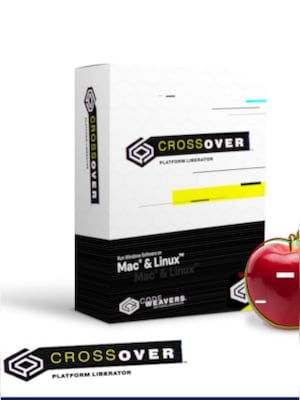






















CrossOver lets you run compatible Windows applications and games directly on macOS or Linux without installing Windows, using a virtual machine, or rebooting your computer.
CrossOver Key Features
- Runs compatible Windows applications and games on macOS and Linux
- Does not require a separate Windows operating system license
- One-click installation support for many recognized applications
- Runs software without rebooting or switching operating systems
- Integrates Windows applications with the native desktop environment
- Supports both Intel-based and Apple silicon Mac computers
- Includes an online compatibility database for checking individual applications
Use Windows Software Without Installing Windows
CrossOver provides a practical way to access compatible Windows software without setting up a complete Windows operating system. Applications run directly from the macOS or Linux desktop, helping users avoid the additional storage requirements and configuration involved with dual-boot systems or virtual machines.
Straightforward Application Installation
The built-in installation assistant simplifies the process of setting up supported Windows applications. CrossOver provides prepared installation profiles for many recognized programs, allowing users to install and launch them with fewer manual configuration steps.
Native Desktop Integration
Installed Windows programs appear alongside regular Mac or Linux applications. Users can launch them from familiar desktop menus, docks, or application lists and work without repeatedly moving between separate operating system environments.
Efficient Performance for Applications and Games
CrossOver runs Windows software through a compatibility layer instead of emulating an entire computer. This approach can reduce system overhead and provide responsive performance for supported productivity applications and games. Compatibility and performance depend on the individual program and hardware configuration.
Who will like CrossOver
- Mac users who need access to selected Windows-only applications
- Linux users who want to run compatible business or productivity software
- Gamers interested in playing supported Windows games on macOS or Linux
- Professionals who want to avoid maintaining a separate Windows installation
- Users looking for an alternative to dual-booting or virtual machines
- Organizations operating mixed-platform computer environments