


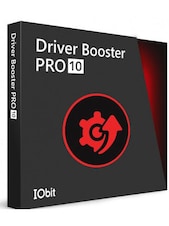



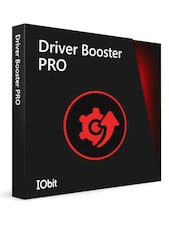

IObit Driver Booster 13 PRO is a Windows driver updater for scanning, updating and fixing outdated, missing or broken drivers, with automatic updates, backups and gaming support.
IObit Driver Booster 13 PRO Key Features
- Access to 18,000,000+ verified drivers.
- One-click driver scan for outdated, missing, broken or incompatible drivers.
- Automatic driver updates with faster PRO update speed.
- Tools designed to help reduce freezes, crashes and blue screen issues.
- Offline scan mode for fixing internet connection driver problems.
- Solutions for sound, network, printer and device issues after Windows updates.
- Game driver and audio updates for smoother gaming and media performance.
- Automatic backup protection before driver changes.
- Premium technical support for PRO users.
Simple Driver Updates for a More Stable PC
IObit Driver Booster 13 PRO helps users keep essential Windows drivers up to date without searching manually through hardware manufacturer websites. The software scans the system, detects outdated or faulty drivers and matches them with compatible versions from its driver database.
Fewer Crashes, Freezes and Device Errors
Outdated or broken drivers can cause blue screens, system instability, device failures, sound problems or network issues. IObit Driver Booster 13 PRO is designed to repair driver-related problems and help restore smoother, more reliable PC performance.
Safer Updates with Backup Protection
Driver updates can affect how hardware works, so backup protection is an important part of the PRO version. IObit Driver Booster 13 PRO can back up drivers before applying changes, giving users a safer way to update and recover if a new driver does not work as expected.
Better Gaming, Graphics and Audio Performance
The software also focuses on gaming and multimedia use. By updating graphics, audio and game-related drivers, IObit Driver Booster 13 PRO can help reduce lag, stuttering, missing sound and other performance issues caused by outdated driver components.
Who will like IObit Driver Booster 13 PRO
- Windows users who want a simple way to update drivers automatically.
- Gamers who want smoother graphics, better audio and fewer driver-related interruptions.
- Users dealing with Wi-Fi, sound, printer or device issues after Windows updates.
- People who want to reduce system crashes, freezes and blue screen errors.
- Home users who prefer one-click maintenance instead of manual driver searches.
- PC owners who want safer driver updates with automatic backup protection.



