
Activation Guide:
- Download the software
- Install and use your code to activate

Platform:
Nuance
Şurada etkinleştirilebilir::
Türkiye
Ülke kısıtlamalarını kontrol edinTür:
Anahtar
Bölge:
KÜRESEL
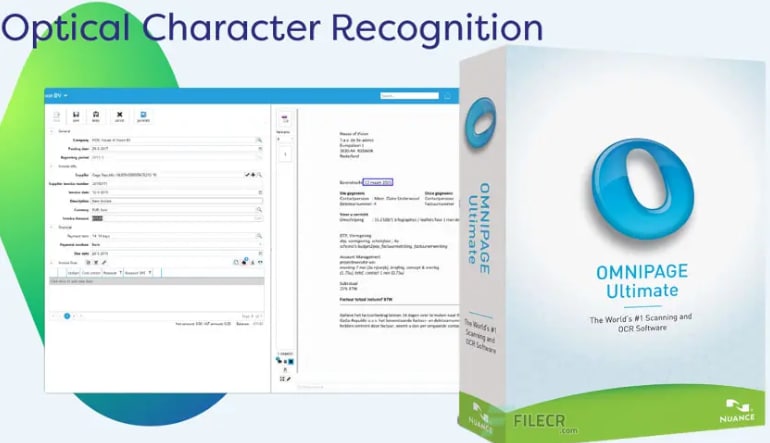
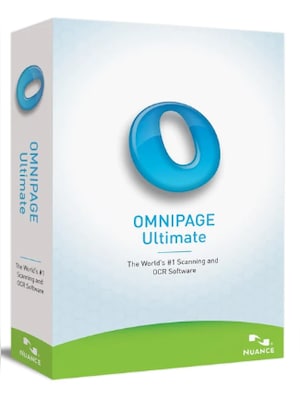
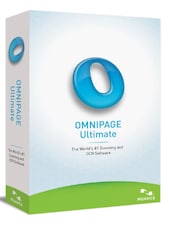
Nuance OmniPage 19.2 Ultimate Multilanguage is professional OCR software that converts scans, images, and PDF files into editable, searchable, and shareable documents while preserving the original page layout.Nuance O ...










Activation Guide:
Nuance OmniPage 19.2 Ultimate Multilanguage is professional OCR software that converts scans, images, and PDF files into editable, searchable, and shareable documents while preserving the original page layout.
OmniPage uses optical character recognition to extract text from paper documents, scanned pages, image files, and non-editable PDFs. The recognized content can be transferred into familiar applications and formats, reducing the need to retype printed information manually.
The multilingual recognition engine supports more than 120 languages, making the software suitable for international documents and mixed-language archives. Users can convert, edit, store, and search content originating from different regions while maintaining an efficient document workflow.
Batch Manager helps organizations process high volumes of files with less manual work. Conversion jobs can be scheduled or triggered through monitored folders and email sources, allowing documents to be recognized, converted, and delivered to predefined locations automatically.
OmniPage can turn individual PDFs or complete document collections into searchable files. Its eDiscovery tools help users locate information within digital archives, while support for common output formats makes converted content easier to access, share, and reuse.
The software is designed to reproduce columns, tables, graphics, headings, and other layout elements in converted files. This helps minimize the amount of editing required after recognition and keeps the resulting documents close to their original appearance.