YouTube Premium is a subscription service that adds ad-free viewing, background play, offline downloads, and a bundled YouTube Music Premium subscription to the standard YouTube experience.
YouTube Premium Key Features
- Ad-free viewing across videos, Shorts, and YouTube Kids
- Background play, letting videos or music keep playing with the screen off or while using other apps
- Offline downloads, so videos can be watched without an internet connection
- Includes full YouTube Music Premium access, covering ad-free, offline, and background music listening
- Available in Individual, Family, and Student plans, plus a lower-cost Premium Lite tier
- Family plans cover up to five members aged 13 and older in the same household
- Ideal for anyone who watches YouTube regularly and wants an uninterrupted experience
How YouTube Premium Works
YouTube Premium is activated through a Google account and applies its benefits automatically across the YouTube app, website, and YouTube Music. Once subscribed, ads disappear from videos and Shorts, downloads become available for offline viewing, and background play is enabled on mobile. A Google account and an internet connection are required to activate and manage the subscription.
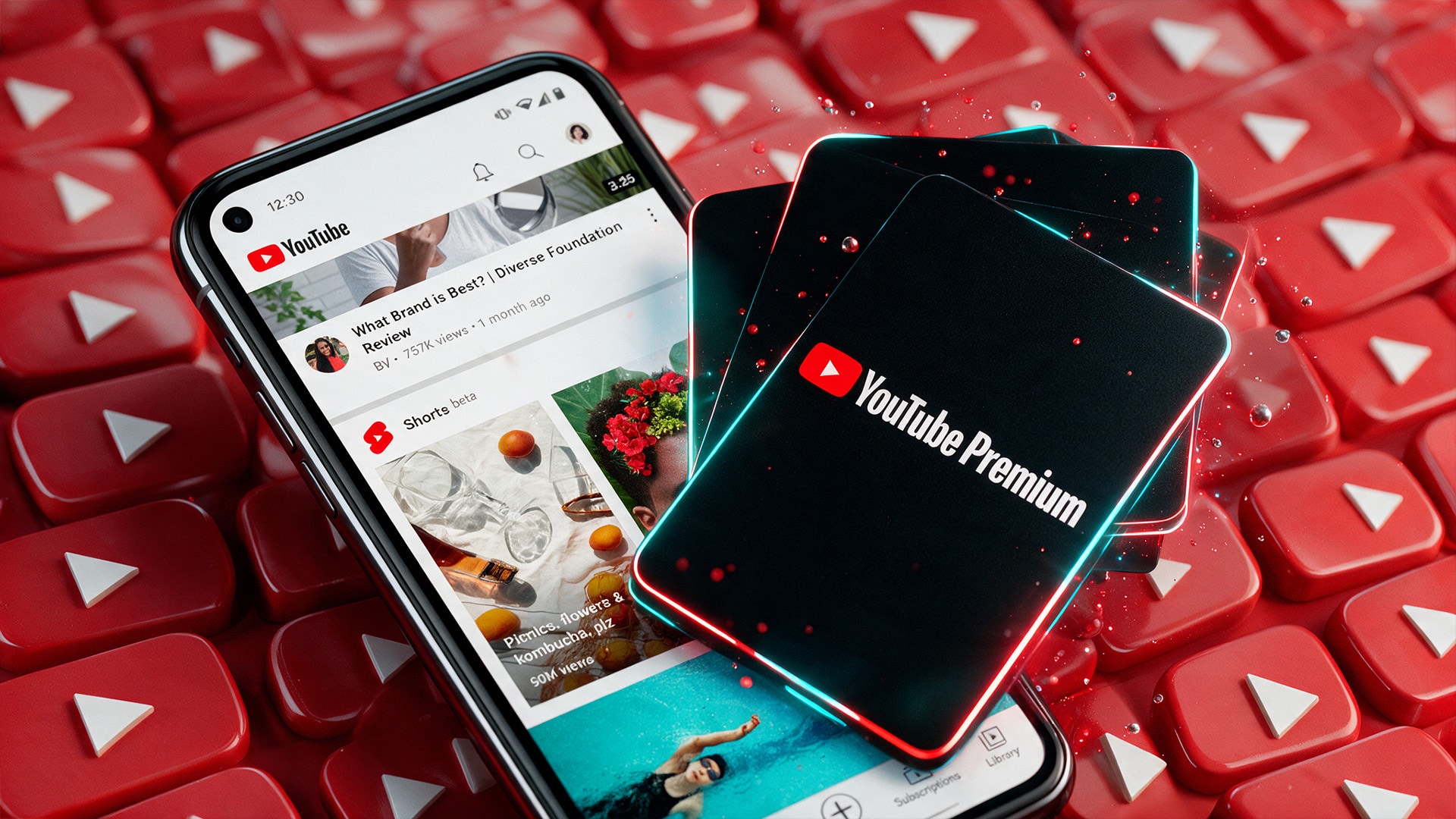
What Do You Get with YouTube Premium?
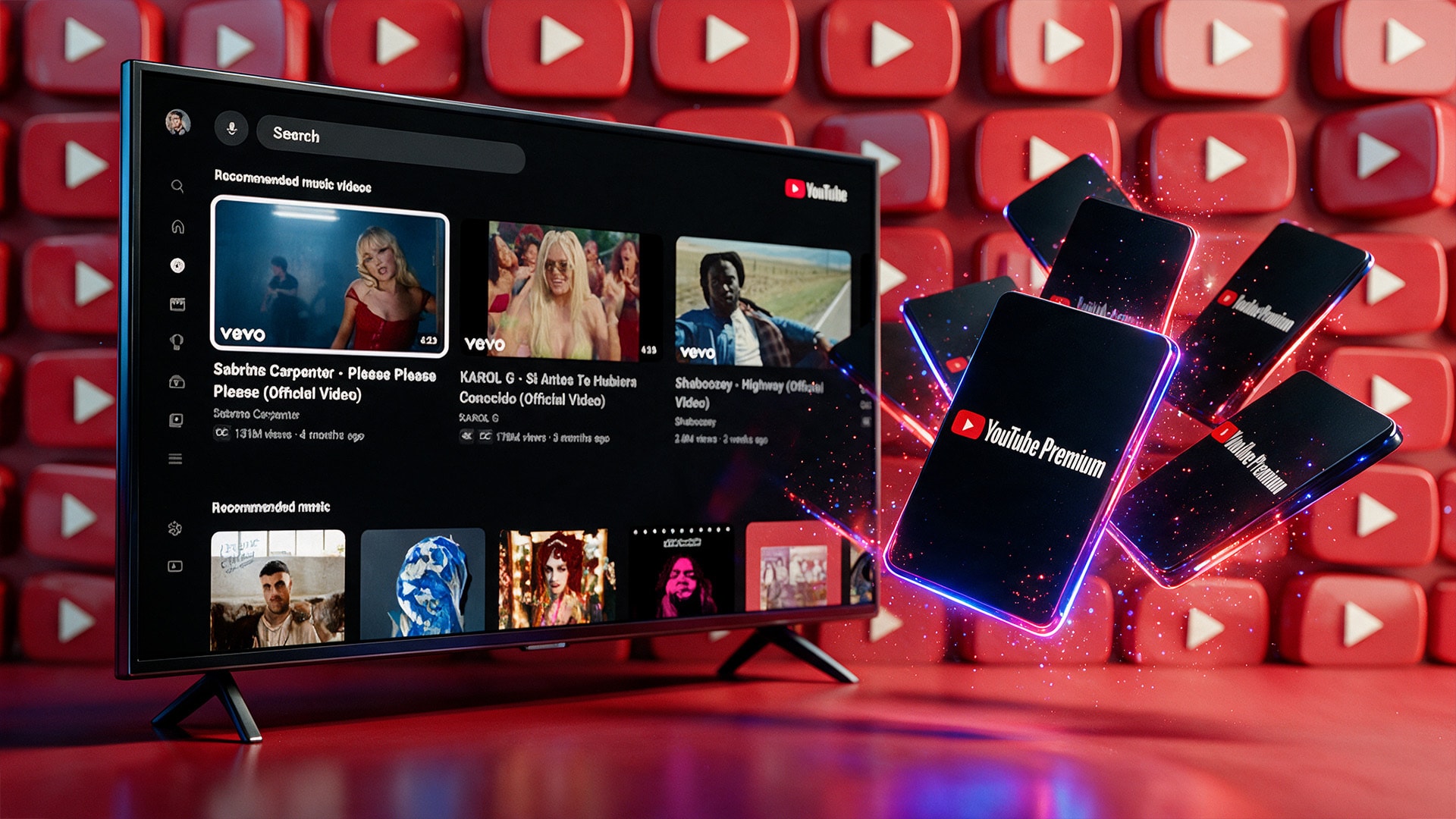
Subscribers get an ad-free viewing experience across nearly all of YouTube, plus the ability to download videos for offline playback and keep audio or video running in the background. The subscription also bundles full YouTube Music Premium, unlocking ad-free music streaming, offline listening, and background play in the separate Music app at no extra cost.
Plan and Region Compatibility
YouTube Premium pricing and available plans, including Individual, Family, Student, and Premium Lite, vary by country. Before subscribing, check which plans are offered in your region and whether student verification or family group requirements apply. The subscription is tied to a Google account and its associated country settings.
How to Activate YouTube Premium
- Sign in to the Google account on which you want to activate the subscription.
- Go to the YouTube Premium page on the website or app.
- Choose the plan that fits your needs, such as Individual, Family, or Student.
- Confirm the subscription and payment details to complete activation.
- Enjoy ad-free videos, offline downloads, and YouTube Music Premium right away.
Who Will Like YouTube Premium
- Frequent YouTube viewers who want to remove ads from their experience
- Mobile users who want background play while multitasking
- Commuters and travelers who rely on offline video downloads
- Music listeners who also want YouTube Music Premium included
- Families looking to cover multiple household members under one plan
- Students eligible for discounted pricing on an Individual-level plan