
























Adobe Lightroom 5.7 is a desktop photo management and editing application for organizing large image libraries, processing RAW files, applying non-destructive adjustments, correcting imperfections, and preparing photographs for print or digital use.
Adobe Lightroom 5.7 Key Features
- Non-destructive photo editing that preserves the original image files
- RAW image processing with support for a wide range of digital cameras
- Catalog-based tools for organizing, rating, labeling, and searching photographs
- Advanced Healing Brush for removing dust, spots, and unwanted objects
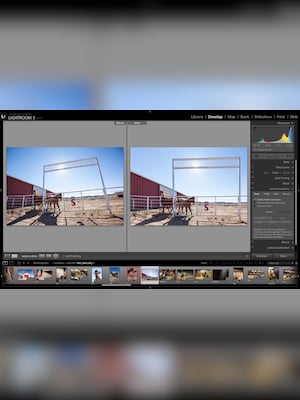
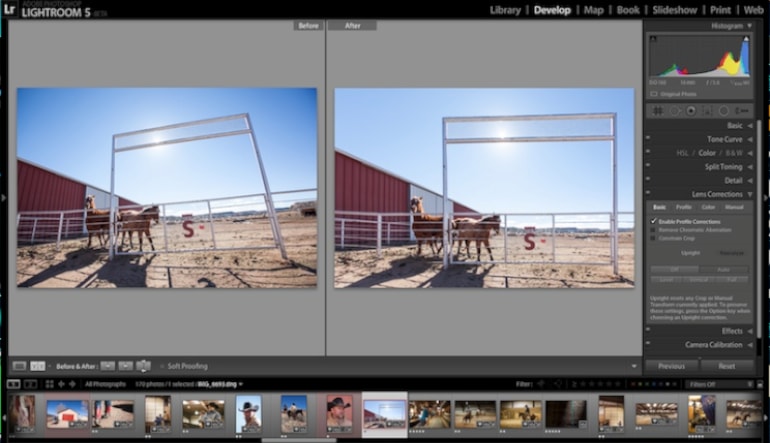
- Upright tools for correcting tilted horizons and perspective distortion
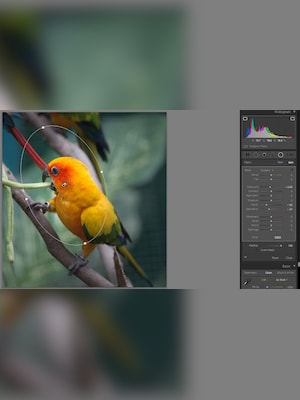
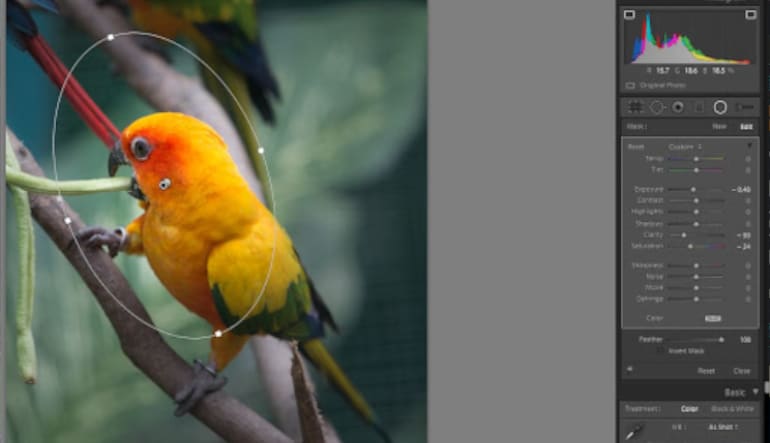
- Radial Filter for applying selective adjustments around a chosen area
- Smart Previews for editing photographs when the original files are unavailable
- Controls for exposure, contrast, highlights, shadows, color, sharpness, and noise
- Presets for applying consistent adjustments across multiple photographs
- Export, printing, slideshow, photo book, map, and web gallery tools
Organize Complete Photo Libraries
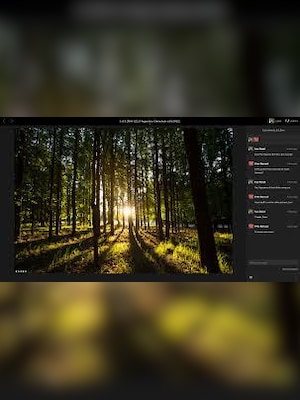
Adobe Lightroom 5.7 combines editing and photo management within a catalog-based workspace. Photographs can be sorted using folders, collections, flags, star ratings, color labels, keywords, and metadata, helping users manage everything from individual shoots to extensive image archives.
Develop RAW Images Non-Destructively
The Develop module provides detailed control over exposure, white balance, tonal range, color, clarity, sharpening, noise reduction, lens corrections, and other image properties. Adjustments are stored separately from the original file, allowing users to experiment freely and return to an earlier version when necessary.
Apply Precise Local Corrections
Tools such as the Adjustment Brush, Graduated Filter, Radial Filter, and Advanced Healing Brush make it possible to improve selected parts of a photograph without changing the entire frame. Users can brighten a subject, darken a background, correct specific colors, or remove distracting details with greater precision.
Edit with Smart Previews
Smart Previews create smaller versions of original photographs that remain editable even when an external drive or original image folder is disconnected. Changes made to a Smart Preview are automatically applied to the full-resolution source after it becomes available again, supporting more flexible desktop and laptop workflows.
Prepare and Export Finished Photographs
After editing, photographs can be exported in commonly used formats with configurable image dimensions, quality, sharpening, metadata, file naming, and watermark settings. Dedicated modules also support printing, slideshows, photo books, location-based organization, and web galleries.
Who Will Like Adobe Lightroom 5.7
- Photographers who prefer a traditional desktop editing workflow
- Users working with RAW photographs from cameras supported by this version
- Portrait, wedding, event, landscape, and travel photographers
- People managing large collections of locally stored photographs
- Users who need non-destructive editing and reusable presets
- Photography enthusiasts using older compatible computers and cameras
- Professionals who want integrated organizing, editing, printing, and export tools




