





























How to activate:
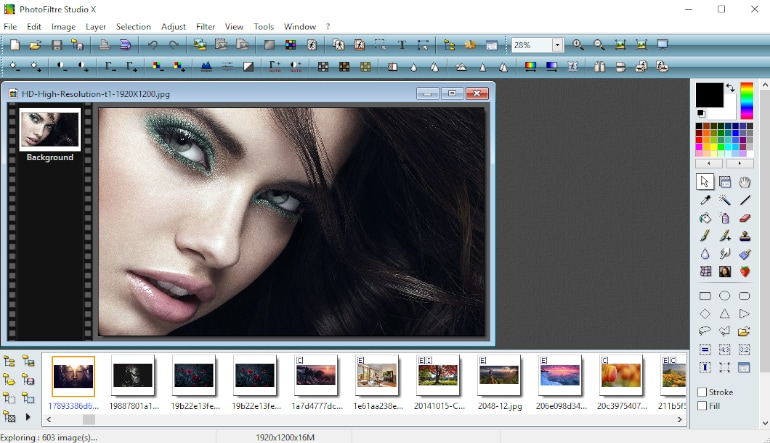
- Open PhotoFiltre Studio 11: Launch the application on your computer.
- Access the Registration Menu: Go to the menu and select ? > Registration.
- Enter Your Details: Type in your name, ensuring you use the correct capitalization.
- Input the Registration Key: Enter your registration key in groups of five characters, ignoring any hyphens.
- Confirm: If the information is correct, click the OK button to complete the activation.