How to activate:
- Launch the trial version and then immediately close the application
- A trial dialog will appear with a Buy Now or Already Purchased button
- Click the Already Purchased button and enter the serial number
- Activate
Can activate in:
United States
Check country restrictionsType:
Key
Region:
GLOBAL
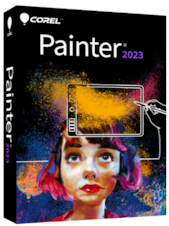
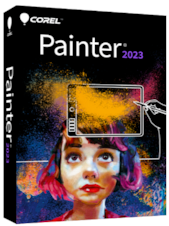
Corel Painter 2023 is professional digital art software for painting, drawing, illustration, and photo art, offering realistic brushes, natural-media simulation, advanced blending, and extensive customization tools.Co ...






How to activate:
Corel Painter 2023 is professional digital art software for painting, drawing, illustration, and photo art, offering realistic brushes, natural-media simulation, advanced blending, and extensive customization tools.
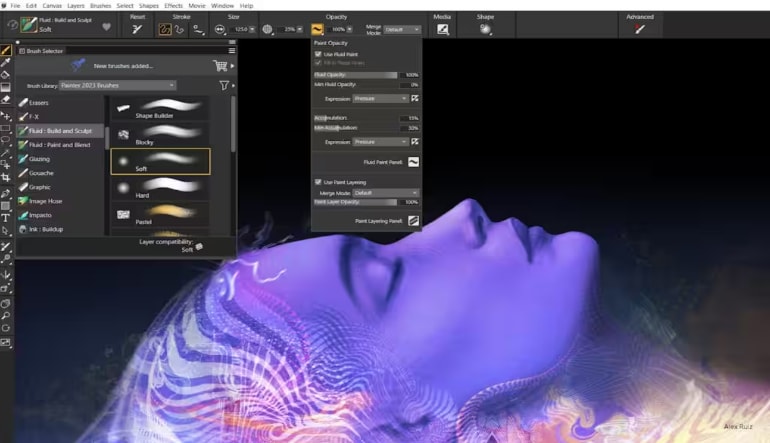
Corel Painter 2023 recreates the appearance and behavior of traditional artistic media in a digital workspace. Artists can work with oils, acrylics, watercolor, pastels, chalk, charcoal, ink, markers, and other brush categories while benefiting from digital editing flexibility.
Fluid Paint technology allows colors to build gradually across transparent layers, producing smooth brush marks with precise opacity control. Artists can blend, sculpt, glaze, add texture, and reveal paper grain while reducing visible overlap between individual brush dabs.
The improved selection workflow makes it easier to isolate, edit, and refine specific parts of an image. Color overlays provide clearer selection visibility, while the dedicated Selection Panel, adjustable feathering, improved shortcuts, and updated selection tools reduce the number of steps required for detailed edits.
Brush size, shape, angle, flow, texture, opacity, and blending behavior can be adjusted through detailed control panels. Users can also create custom brushes, palettes, papers, patterns, textures, and workspace layouts suited to their preferred techniques and projects.
In addition to blank-canvas painting, Corel Painter 2023 includes tools for transforming photographs into painted artwork. Cloning, Auto-Painting, tracing, and AI-assisted style tools provide flexible starting points for portraits, keepsakes, commercial artwork, and creative photo compositions.