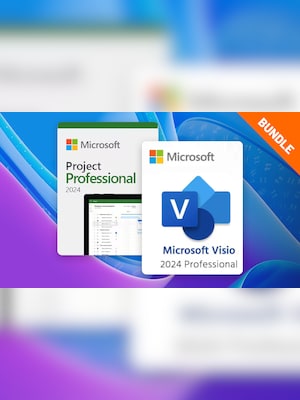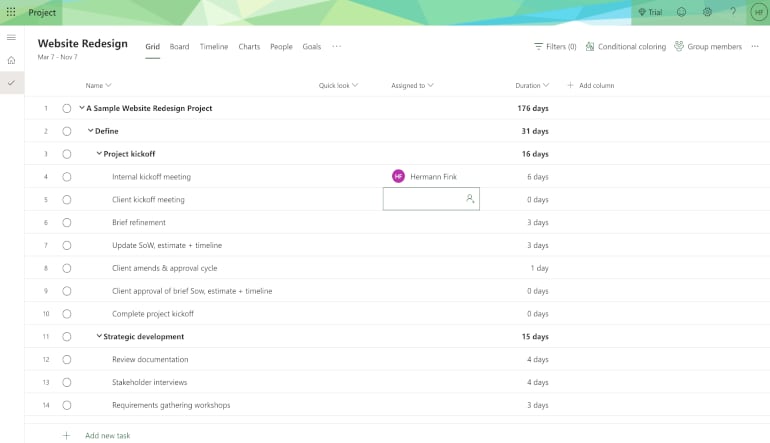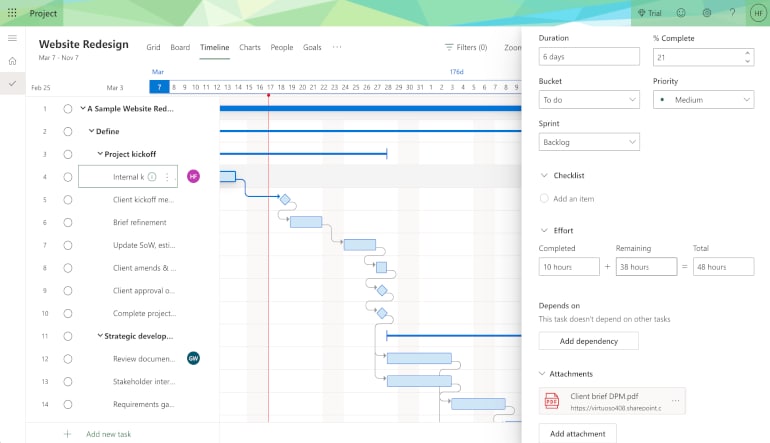
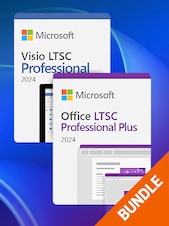
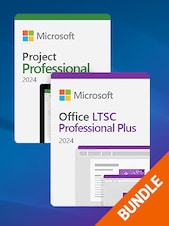
Take control of planning and design with the Microsoft Project 2024 Pro + Visio 2024 Pro Bundle. Powerful tools for project management and professional diagrams ideal for business users who need clarity and efficiency.
Includes 1 license key for MS Project 2024 Pro and 1 license key for MS Visio 2024 Pro
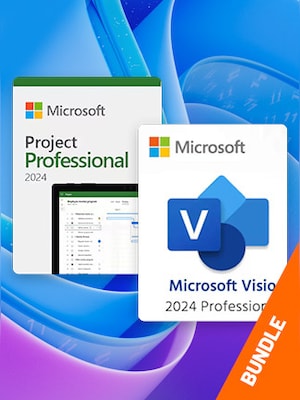
Take control of planning and design with the Microsoft Project 2024 Pro + Visio 2024 Pro Bundle. Powerful tools for project management and professional diagrams ideal for business users who need clarity and efficiency.
Microsoft Visio 2024 and Microsoft Project 2024 are powerful business tools designed to support planning, visualization, and efficient project management for teams and organizations of all sizes.
Microsoft Visio 2024 – Key Features
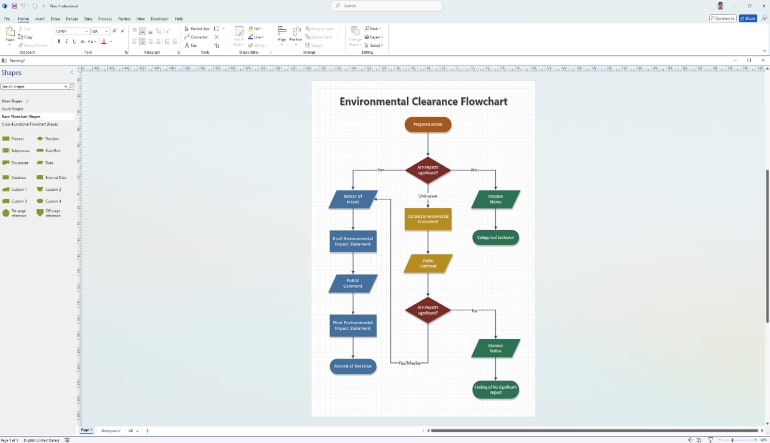
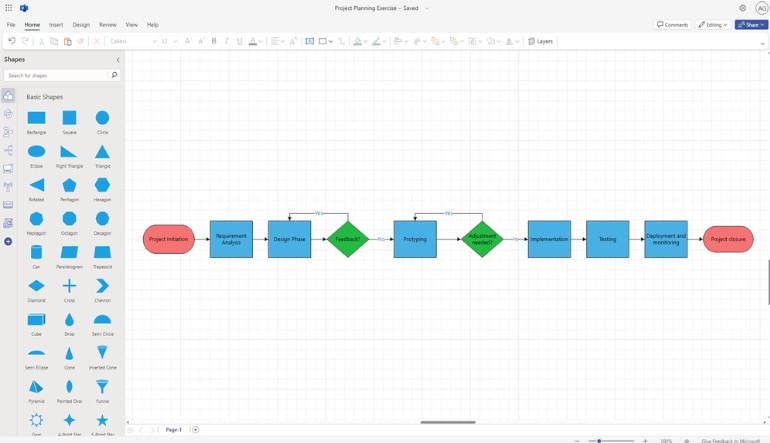
Create professional diagrams such as flowcharts, network diagrams, organizational charts, and technical drawings
Modern Office 2024 interface with improved accessibility and usability
Expanded shape library including Azure, Kubernetes, and infographic elements
Dynamic, data-driven diagrams with integration to Excel, SQL Server, and SharePoint
Easy sharing and real-time collaboration through Microsoft 365
Microsoft Project 2024 – Key Features
Advanced project planning with Gantt charts, Kanban boards, and task schedules
Automated scheduling tools and “what-if” scenario analysis
Efficient resource and capacity management
Built-in reports, dashboards, and performance analytics
Seamless integration with Microsoft Teams, OneDrive, and SharePoint
Use Cases
Business process modeling and workflow visualization
IT, construction, and marketing project management
Network infrastructure and system architecture design
Resource planning, scheduling, and budget control
Microsoft Visio 2024 and Microsoft Project 2024 together provide a complete solution for visualizing ideas, planning projects, and delivering results with greater clarity, productivity, and collaboration.
Minimal requirements
System
Windows 11, Windows 10 (21H2 or higher), or Windows Server 2019/2022/2025.
Processor
1.6 GHz or faster, 2-core processor.
Memory
4 GB; 2 GB (32-bit).
Graphics
DirectX 10 or later, with WDDM 2.0 or higher for Windows / 1280 x 768 screen resolution.
Disk space
4.0 GB of available disk space.
Go to microsoft365.com/setup and sign in with your Microsoft account. If you don’t have one, you’ll need to create it.
After signing in, enter your product key when prompted. This key is usually found in your purchase confirmation email or on the packaging if you bought a physical copy.
Once your product key is verified, you can download and install Microsoft Project/Visio 2024. Follow the on-screen instructions to complete the installation.
After installation, open Microsoft Project/Visio 2024. You might be prompted to sign in again. If not, go to File > Account and look for the activation option.
Click on Activate Product and follow the prompts to complete the activation.
To ensure that your product is activated, go to File > Account and check the product information. It should show that Microsoft Project/Visio 2024 is activated.
Advertisement
SPONSORED
Reviews
Check what our customers think of this title
There are no reviews for this item yet
Add the first review and get a 5% discount for your next purchase
Signed-in customers with at least 1 purchase can review
Advertisement
SPONSORED
Get inspired by our articles!
Best Survival Horror Games of All Time
The survival horror genre is broad and popular, and not just because both survival games and horror...
Best G2A Gaming Deals This Month - Save Big Today!
Looking to score great games without overspending? Check out this month’s best G2A deals
15 Games to Push Your Gaming Skills to the Limit (And Maybe Beyond)
Are you ready for the ultimate gaming challenge? Explore our list of games that will push your skills to the...
Best PC Games of 2024: A Complete Yearly Recap
Explore the top PC games of 2024! From action-packed adventures to stunning RPGs, discover the year’s must-play titles.
Subscribe to get updates, confirm your subscription,
and receive a discount code to use instantly
By subscribing to the newsletter, you consent to G2A.COM Limited sending commercial communications to your email, including personalized offers available on the G2A Marketplace. The administrator of your personal data is G2A.COM Limited. You can withdraw your consent at any time. If you withdraw your consent, it will not affect the legality of your data processed before. We process your personal data in line with the Privacy and Cookies Policy. Every new user who subscribes for the first time to the newsletter receives a one-time 11% discount code that may use once for future purchases on the g2a.com platform. The code is valid for 3 days and can only be used to purchase activation keys (excluding preorders) under EUR 50.00 in the categories: video games, software, randoms, and DLC, from sellers participating in this discount program. G2A.COM Limited is not responsible for adjusting the value of any promotional items, this is solely up to participating sellers.